

App Download CTA
Original · freeapp download CTA with store buttons
Copy prompt gives Claude Code, Cursor or v0 a ready-to-paste prompt that recreates this exact component.
npx shadcn@latest add https://webinnoventix.com/r/ctax-app-download.json"use client";
import { useMemo, useState } from "react";
import { motion, useReducedMotion, type Variants } from "motion/react";
type Platform = "ios" | "android";
interface Feature {
title: string;
desc: string;
path: string;
}
const FEATURES: Feature[] = [
{
title: "Plan tomorrow in 60 seconds",
desc: "A guided evening check-in turns a messy brain-dump into a calm, ordered day.",
path: "M12 7v5l3.2 1.9M12 3a9 9 0 100 18 9 9 0 000-18Z",
},
{
title: "Nudges that never nag",
desc: "Cadence reads your rhythm and reminds you at the moment you're most likely to act.",
path: "M6 8a6 6 0 1112 0c0 7 3 9 3 9H3s3-2 3-9M10.3 21a1.94 1.94 0 003.4 0",
},
{
title: "Streaks that survive real life",
desc: "Miss a day and keep your momentum — flexible streaks reward showing up, not perfection.",
path: "M12 2c1.1 3 4 4.2 4 8.2A4 4 0 018 10.2c0-2 1-3 1.2-3.2.2 2 2.2 2.3 2.2 2.3.9-2-1.2-4.5.6-7.3Z",
},
];
const QR_SIZE = 21;
function finderVal(r: number, c: number, n: number): boolean | null {
const regions: Array<[number, number]> = [
[0, 0],
[0, n - 7],
[n - 7, 0],
];
for (const [or, oc] of regions) {
if (r >= or && r < or + 7 && c >= oc && c < oc + 7) {
const rr = r - or;
const cc = c - oc;
if (rr === 0 || rr === 6 || cc === 0 || cc === 6) return true;
if (rr >= 2 && rr <= 4 && cc >= 2 && cc <= 4) return true;
return false;
}
}
return null;
}
function buildQr(n: number): boolean[] {
const cells = new Array<boolean>(n * n).fill(false);
let seed = 20240712;
const rand = (): number => {
seed = (seed * 1103515245 + 12345) & 0x7fffffff;
return (seed >>> 8) / 0x7fffff;
};
for (let r = 0; r < n; r++) {
for (let c = 0; c < n; c++) {
const f = finderVal(r, c, n);
cells[r * n + c] = f === null ? rand() > 0.52 : f;
}
}
return cells;
}
const KEYFRAMES = `
@keyframes ctaxad-float { 0%,100%{transform:translateY(0)} 50%{transform:translateY(-14px)} }
@keyframes ctaxad-floatSlow { 0%,100%{transform:translateY(0)} 50%{transform:translateY(12px)} }
@keyframes ctaxad-pulse { 0%{transform:scale(1);opacity:.85} 70%{transform:scale(2.4);opacity:0} 100%{opacity:0} }
@keyframes ctaxad-fill { from{stroke-dashoffset:214} to{stroke-dashoffset:68} }
@keyframes ctaxad-shimmer { 0%{transform:translateX(-140%)} 100%{transform:translateX(260%)} }
@keyframes ctaxad-drift { 0%,100%{transform:translate(0,0) scale(1)} 50%{transform:translate(24px,-18px) scale(1.06)} }
@media (prefers-reduced-motion: reduce) {
.ctaxad-float,.ctaxad-floatSlow,.ctaxad-pulse,.ctaxad-ring-progress,.ctaxad-shimmer,.ctaxad-drift { animation: none !important; }
.ctaxad-ring-progress { stroke-dashoffset: 68 !important; }
}
`;
interface StoreButtonProps {
kind: Platform;
active: boolean;
onClick: () => void;
}
function StoreButton({ kind, active, onClick }: StoreButtonProps) {
const isIos = kind === "ios";
return (
<button
type="button"
onClick={onClick}
aria-label={isIos ? "Download Cadence on the App Store" : "Get Cadence on Google Play"}
className={[
"group relative flex w-full items-center gap-3 overflow-hidden rounded-2xl px-5 py-3.5 text-left transition-all duration-300 sm:w-auto",
"focus-visible:outline-none focus-visible:ring-2 focus-visible:ring-offset-2 focus-visible:ring-indigo-500 focus-visible:ring-offset-white dark:focus-visible:ring-offset-slate-950",
active
? "bg-slate-900 text-white shadow-lg shadow-slate-900/25 ring-1 ring-slate-900 dark:bg-white dark:text-slate-900 dark:ring-white"
: "bg-white text-slate-900 ring-1 ring-slate-200 hover:ring-slate-300 dark:bg-slate-900/70 dark:text-white dark:ring-slate-700 dark:hover:ring-slate-500",
].join(" ")}
>
<span
aria-hidden="true"
className="pointer-events-none absolute inset-y-0 left-0 w-1/3 -skew-x-12 bg-gradient-to-r from-transparent via-white/25 to-transparent opacity-0 group-hover:opacity-100"
>
<span className="ctaxad-shimmer absolute inset-0 block" />
</span>
{isIos ? (
<svg viewBox="0 0 24 24" fill="currentColor" className="h-7 w-7 shrink-0" aria-hidden="true">
<path d="M17.05 20.28c-.98.95-2.05.8-3.08.35-1.09-.46-2.09-.48-3.24 0-1.44.62-2.2.44-3.06-.35C2.79 15.25 3.51 7.59 8.05 7.31c1.35.07 2.29.74 3.08.8 1.18-.24 2.31-.93 3.57-.84 1.51.12 2.65.72 3.4 1.8-3.12 1.87-2.38 5.98.48 7.13-.57 1.5-1.31 2.99-2.54 4.09zM12.03 7.25c-.15-2.23 1.66-4.07 3.74-4.25.29 2.58-2.34 4.5-3.74 4.25z" />
</svg>
) : (
<svg viewBox="0 0 24 24" fill="currentColor" className="h-7 w-7 shrink-0" aria-hidden="true">
<path d="M4 3.5v17c0 .82.9 1.32 1.6.9l13-8.5c.62-.4.62-1.3 0-1.7l-13-8.5C4.9 2.18 4 2.68 4 3.5Z" />
</svg>
)}
<span className="relative flex flex-col leading-tight">
<span className="text-[11px] font-medium uppercase tracking-wide opacity-70">
{isIos ? "Download on the" : "Get it on"}
</span>
<span className="text-lg font-semibold">{isIos ? "App Store" : "Google Play"}</span>
</span>
</button>
);
}
export default function CtaxAppDownload() {
const reduce = useReducedMotion();
const [platform, setPlatform] = useState<Platform>("ios");
const [requested, setRequested] = useState<Platform | null>(null);
const qrCells = useMemo(() => buildQr(QR_SIZE), []);
const containerVariants: Variants = {
hidden: {},
show: { transition: { staggerChildren: 0.09, delayChildren: 0.05 } },
};
const itemVariants: Variants = {
hidden: { opacity: reduce ? 1 : 0, y: reduce ? 0 : 20 },
show: { opacity: 1, y: 0, transition: { duration: 0.55, ease: "easeOut" } },
};
const storeName = requested === "ios" ? "App Store" : "Google Play";
const handleStore = (kind: Platform): void => {
setPlatform(kind);
setRequested(kind);
};
return (
<section className="relative w-full overflow-hidden bg-gradient-to-b from-slate-50 via-white to-slate-100 py-24 sm:py-28 dark:from-slate-950 dark:via-slate-950 dark:to-slate-900">
<style>{KEYFRAMES}</style>
{/* Ambient background */}
<div aria-hidden="true" className="pointer-events-none absolute inset-0 overflow-hidden">
<div className="ctaxad-drift absolute -left-24 top-10 h-72 w-72 rounded-full bg-indigo-400/25 blur-3xl dark:bg-indigo-600/25" />
<div className="ctaxad-drift absolute -right-16 bottom-0 h-80 w-80 rounded-full bg-violet-400/20 blur-3xl dark:bg-violet-600/20" style={{ animationDelay: "-4s" }} />
<div
className="absolute inset-0 opacity-[0.35] dark:opacity-[0.18]"
style={{
backgroundImage:
"linear-gradient(to right, rgba(100,116,139,.12) 1px, transparent 1px), linear-gradient(to bottom, rgba(100,116,139,.12) 1px, transparent 1px)",
backgroundSize: "44px 44px",
maskImage: "radial-gradient(ellipse at center, black 45%, transparent 78%)",
WebkitMaskImage: "radial-gradient(ellipse at center, black 45%, transparent 78%)",
}}
/>
</div>
<div className="relative mx-auto max-w-6xl px-6">
<div className="grid items-center gap-16 lg:grid-cols-2">
{/* Left — copy */}
<motion.div
variants={containerVariants}
initial="hidden"
whileInView="show"
viewport={{ once: true, margin: "-100px" }}
>
<motion.span
variants={itemVariants}
className="inline-flex items-center gap-2 rounded-full border border-indigo-200 bg-indigo-50 px-3.5 py-1.5 text-xs font-semibold uppercase tracking-wide text-indigo-700 dark:border-indigo-500/30 dark:bg-indigo-500/10 dark:text-indigo-300"
>
<span className="relative flex h-2 w-2">
<span className="ctaxad-pulse absolute inline-flex h-full w-full rounded-full bg-emerald-400" />
<span className="relative inline-flex h-2 w-2 rounded-full bg-emerald-500" />
</span>
Now live on mobile
</motion.span>
<motion.h2
variants={itemVariants}
className="mt-6 text-4xl font-bold tracking-tight text-slate-900 sm:text-5xl dark:text-white"
>
Your day, finally
<span className="bg-gradient-to-r from-indigo-600 via-violet-600 to-indigo-500 bg-clip-text text-transparent dark:from-indigo-400 dark:via-violet-400 dark:to-indigo-300">
{" "}
in rhythm
</span>
</motion.h2>
<motion.p
variants={itemVariants}
className="mt-5 max-w-xl text-lg leading-relaxed text-slate-600 dark:text-slate-300"
>
Cadence turns scattered to-dos into one calm daily flow. Capture a thought, and it
lands in the right place at the right time — so you stop managing a list and start
moving through your day.
</motion.p>
<motion.ul variants={itemVariants} className="mt-8 space-y-4">
{FEATURES.map((f) => (
<li key={f.title} className="flex items-start gap-4">
<span className="mt-0.5 flex h-10 w-10 shrink-0 items-center justify-center rounded-xl bg-gradient-to-br from-indigo-500 to-violet-600 text-white shadow-sm shadow-indigo-500/30">
<svg
viewBox="0 0 24 24"
fill="none"
stroke="currentColor"
strokeWidth={1.8}
strokeLinecap="round"
strokeLinejoin="round"
className="h-5 w-5"
aria-hidden="true"
>
<path d={f.path} />
</svg>
</span>
<span>
<span className="block font-semibold text-slate-900 dark:text-white">{f.title}</span>
<span className="block text-sm leading-relaxed text-slate-600 dark:text-slate-400">
{f.desc}
</span>
</span>
</li>
))}
</motion.ul>
{/* Platform toggle */}
<motion.div variants={itemVariants} className="mt-9">
<div
role="group"
aria-label="Choose your platform"
className="inline-flex rounded-2xl border border-slate-200 bg-white p-1 dark:border-slate-700 dark:bg-slate-900/70"
>
{(["ios", "android"] as const).map((p) => {
const on = platform === p;
return (
<button
key={p}
type="button"
aria-pressed={on}
onClick={() => setPlatform(p)}
className={[
"rounded-xl px-5 py-2 text-sm font-semibold transition-colors focus-visible:outline-none focus-visible:ring-2 focus-visible:ring-indigo-500",
on
? "bg-slate-900 text-white dark:bg-white dark:text-slate-900"
: "text-slate-600 hover:text-slate-900 dark:text-slate-400 dark:hover:text-white",
].join(" ")}
>
{p === "ios" ? "iPhone" : "Android"}
</button>
);
})}
</div>
</motion.div>
{/* Store buttons */}
<motion.div variants={itemVariants} className="mt-5 flex flex-col gap-3 sm:flex-row">
<StoreButton kind="ios" active={platform === "ios"} onClick={() => handleStore("ios")} />
<StoreButton
kind="android"
active={platform === "android"}
onClick={() => handleStore("android")}
/>
</motion.div>
<p aria-live="polite" className="mt-4 min-h-[1.25rem] text-sm font-medium text-emerald-600 dark:text-emerald-400">
{requested ? `Great choice — taking you to the ${storeName} now.` : ""}
</p>
{/* Trust row */}
<motion.div
variants={itemVariants}
className="mt-6 flex flex-wrap items-center gap-x-5 gap-y-3 text-sm text-slate-600 dark:text-slate-400"
>
<div className="flex items-center">
<div className="flex -space-x-2.5" aria-hidden="true">
{[
"from-rose-400 to-amber-400",
"from-sky-400 to-indigo-500",
"from-emerald-400 to-teal-500",
"from-violet-400 to-fuchsia-500",
].map((g) => (
<span
key={g}
className={`h-8 w-8 rounded-full bg-gradient-to-br ${g} ring-2 ring-white dark:ring-slate-950`}
/>
))}
</div>
<span className="ml-3 font-medium text-slate-700 dark:text-slate-300">120,000+ people</span>
</div>
<div className="flex items-center gap-1.5">
<span className="flex" aria-hidden="true">
{Array.from({ length: 5 }).map((_, i) => (
<svg key={i} viewBox="0 0 24 24" fill="currentColor" className="h-4 w-4 text-amber-400">
<path d="M12 2.5l2.9 6 6.6.9-4.8 4.6 1.2 6.5L12 17.9 6.1 20.5l1.2-6.5L2.5 9.4l6.6-.9L12 2.5z" />
</svg>
))}
</span>
<span className="font-semibold text-slate-900 dark:text-white">4.9</span>
<span>average rating</span>
</div>
</motion.div>
</motion.div>
{/* Right — phone + QR */}
<div className="relative flex justify-center lg:justify-end">
<motion.div
initial={{ opacity: reduce ? 1 : 0, scale: reduce ? 1 : 0.92, y: reduce ? 0 : 24 }}
whileInView={{ opacity: 1, scale: 1, y: 0 }}
viewport={{ once: true, margin: "-80px" }}
transition={{ duration: 0.7, ease: "easeOut" }}
className="relative"
>
{/* Phone */}
<div className="ctaxad-float relative w-[280px] rounded-[2.75rem] border border-slate-200 bg-slate-900 p-3 shadow-2xl shadow-slate-900/30 dark:border-slate-700 dark:shadow-black/50 sm:w-[320px]">
<div className="relative overflow-hidden rounded-[2.1rem] bg-gradient-to-b from-slate-50 to-white dark:from-slate-900 dark:to-slate-950">
{/* Notch */}
<div className="absolute left-1/2 top-2.5 z-10 h-6 w-28 -translate-x-1/2 rounded-full bg-slate-900 dark:bg-black" />
{/* Status bar */}
<div className="flex items-center justify-between px-6 pt-4 text-[11px] font-semibold text-slate-500 dark:text-slate-400">
<span>{platform === "ios" ? "9:41" : "10:08"}</span>
<span className="flex items-center gap-1">
<span className="h-2.5 w-2.5 rounded-sm bg-slate-400/70" />
<span className="h-2.5 w-4 rounded-sm bg-slate-400/70" />
</span>
</div>
{/* App content */}
<div className="px-6 pb-8 pt-6">
<p className="text-xs font-medium text-indigo-500 dark:text-indigo-400">Tuesday, 14 July</p>
<h3 className="mt-0.5 text-xl font-bold text-slate-900 dark:text-white">Good morning, Ava</h3>
{/* Progress ring card */}
<div className="mt-5 flex items-center gap-4 rounded-2xl bg-white p-4 shadow-sm ring-1 ring-slate-100 dark:bg-slate-900 dark:ring-slate-800">
<div className="relative h-[76px] w-[76px] shrink-0">
<svg viewBox="0 0 80 80" className="h-full w-full -rotate-90">
<circle cx="40" cy="40" r="34" fill="none" strokeWidth="9" className="stroke-slate-100 dark:stroke-slate-800" />
<circle
cx="40"
cy="40"
r="34"
fill="none"
strokeWidth="9"
strokeLinecap="round"
className="ctaxad-ring-progress stroke-indigo-500 dark:stroke-indigo-400"
strokeDasharray="214"
strokeDashoffset="68"
/>
</svg>
<span className="absolute inset-0 flex items-center justify-center text-lg font-bold text-slate-900 dark:text-white">
68%
</span>
</div>
<div>
<p className="text-sm font-semibold text-slate-900 dark:text-white">Today's flow</p>
<p className="text-xs text-slate-500 dark:text-slate-400">4 of 6 done · on pace</p>
<p className="mt-1 text-xs font-medium text-emerald-600 dark:text-emerald-400">
{platform === "ios" ? "Designed for iOS 17+" : "Designed for Android 14+"}
</p>
</div>
</div>
{/* Task list */}
<div className="mt-4 space-y-2.5">
{[
{ label: "Deep work: draft proposal", done: true },
{ label: "20-min mobility break", done: true },
{ label: "Review Q3 numbers", done: false },
].map((t) => (
<div
key={t.label}
className="flex items-center gap-3 rounded-xl bg-white px-3.5 py-2.5 ring-1 ring-slate-100 dark:bg-slate-900 dark:ring-slate-800"
>
<span
className={[
"flex h-5 w-5 shrink-0 items-center justify-center rounded-full",
t.done
? "bg-indigo-500 text-white dark:bg-indigo-400 dark:text-slate-900"
: "border-2 border-slate-300 dark:border-slate-600",
].join(" ")}
>
{t.done ? (
<svg viewBox="0 0 24 24" fill="none" stroke="currentColor" strokeWidth={3} className="h-3 w-3" aria-hidden="true">
<path d="M5 12l5 5 9-11" strokeLinecap="round" strokeLinejoin="round" />
</svg>
) : null}
</span>
<span
className={[
"text-sm",
t.done
? "text-slate-400 line-through dark:text-slate-500"
: "font-medium text-slate-800 dark:text-slate-200",
].join(" ")}
>
{t.label}
</span>
</div>
))}
</div>
{/* Featured nudge with shimmer */}
<div className="relative mt-4 overflow-hidden rounded-xl bg-gradient-to-r from-indigo-500 to-violet-600 px-4 py-3 text-white">
<span aria-hidden="true" className="pointer-events-none absolute inset-y-0 left-0 w-1/3 -skew-x-12 bg-white/20">
<span className="ctaxad-shimmer absolute inset-0 block" />
</span>
<p className="relative text-xs font-semibold">Next up in 12 min</p>
<p className="relative text-sm">Focus block — silence notifications?</p>
</div>
</div>
</div>
</div>
{/* Floating QR card */}
<div className="ctaxad-floatSlow absolute -bottom-8 -left-10 hidden rounded-2xl border border-slate-200 bg-white p-4 shadow-xl shadow-slate-900/10 sm:block dark:border-slate-700 dark:bg-slate-900 dark:shadow-black/40">
<div className="rounded-lg bg-white p-2">
<svg viewBox={`0 0 ${QR_SIZE} ${QR_SIZE}`} className="h-24 w-24" fill="#0f172a" aria-hidden="true">
{qrCells.map((on, i) =>
on ? (
<rect key={i} x={i % QR_SIZE} y={Math.floor(i / QR_SIZE)} width={1} height={1} rx={0.22} />
) : null,
)}
</svg>
</div>
<p className="mt-2 max-w-[6.5rem] text-center text-[11px] font-medium leading-tight text-slate-600 dark:text-slate-400">
{platform === "ios"
? "Scan with your iPhone camera"
: "Scan with your Android camera"}
</p>
</div>
</motion.div>
</div>
</div>
</div>
</section>
);
}Dependencies
Licence
Built by Web Innoventix. Free for personal and commercial use, no attribution required.
Built by Web Innoventix
Need a custom interface, a full website, or SEO that gets you cited by AI? We design, build and rank it end to end.
Get a free quoteSimilar components
Browse all →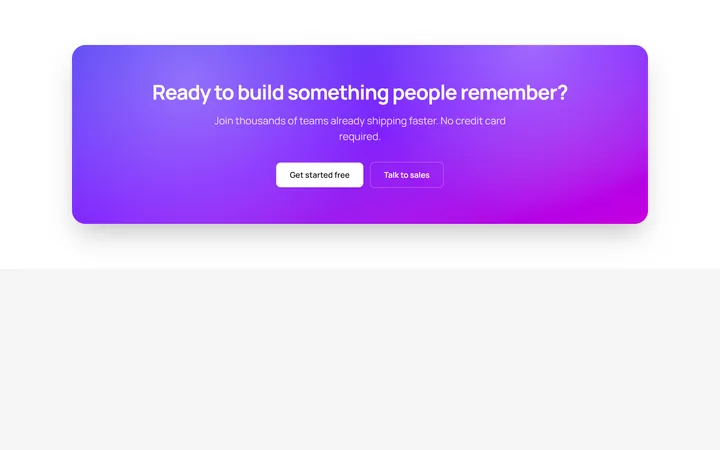
Gradient CTA
OriginalA bold gradient call-to-action banner with two buttons.

Full-Bleed Dark CTA
OriginalA full-bleed dark call-to-action banner with a live status badge, subtle grid backdrop and a primary plus secondary button pair to drive discovery calls.
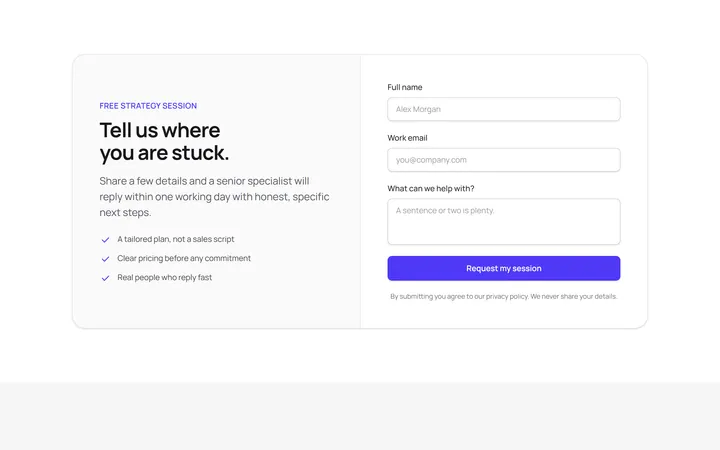
Split CTA With Lead Form
OriginalA two-column call-to-action that pairs a benefit checklist with an inline name, email and message form for capturing qualified leads directly in the section.
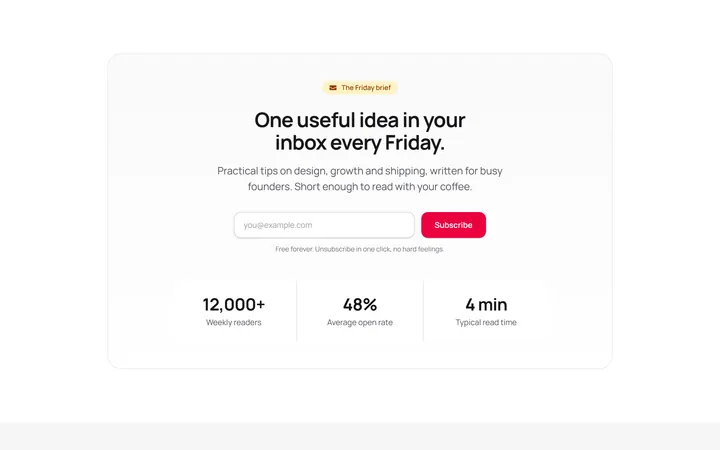
Newsletter CTA With Stats
OriginalA newsletter sign-up call-to-action combining an inline email subscribe form with a three-cell social-proof stat strip to boost conversions.
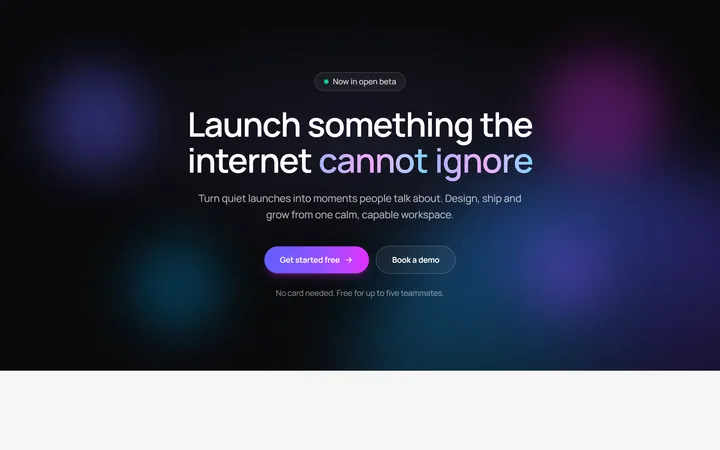
Aurora Glow CTA Banner
OriginalA full-bleed dark call-to-action banner with a rotating aurora gradient, floating orbs and a shine-on-hover button, with staggered blur-in text that reveals on scroll.
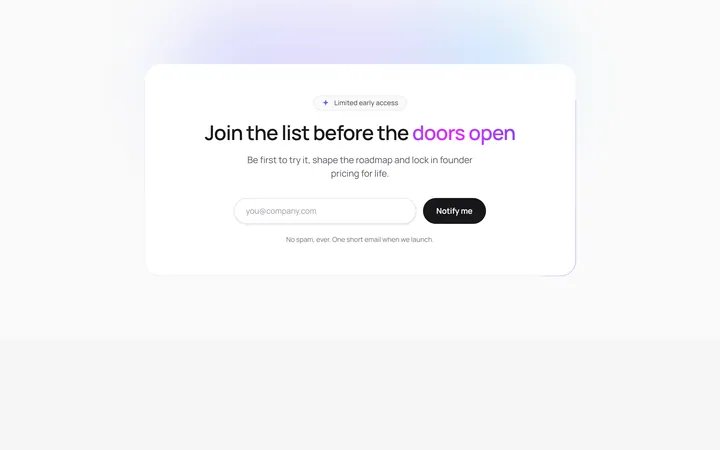
Animated Border Beam CTA
OriginalAn email-capture call-to-action card wrapped in a rotating conic-gradient border beam, with staggered reveal, animated shine text and an inline success state on submit.
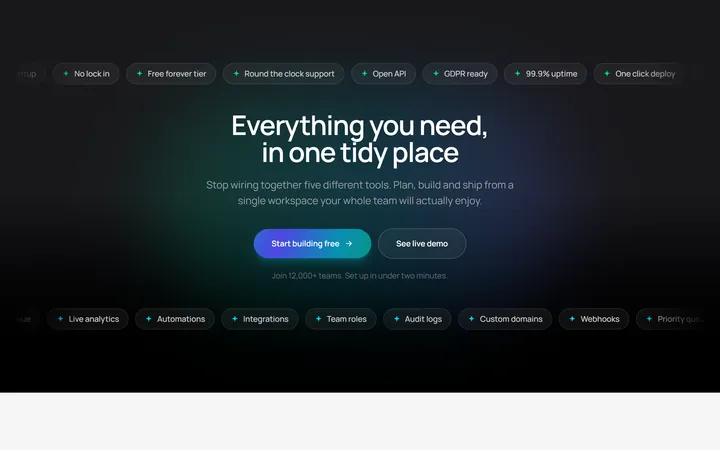
Marquee Ribbon CTA
OriginalA dark call-to-action band framed by two infinite scrolling tag ribbons with a continuously flowing animated-gradient button and staggered centre content.
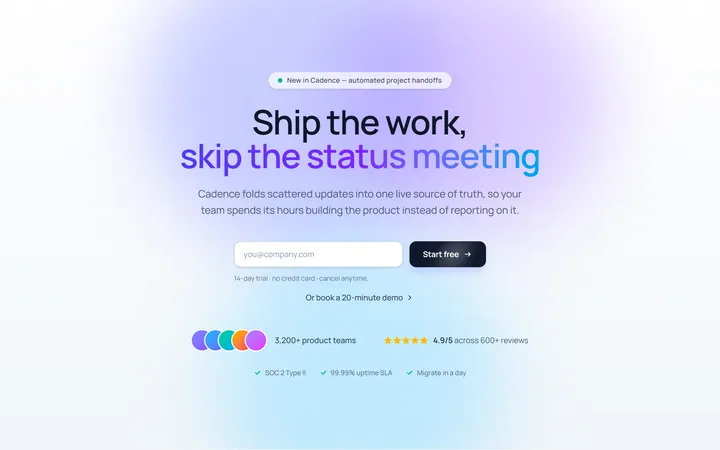
Centered CTA
Originalcentred CTA band
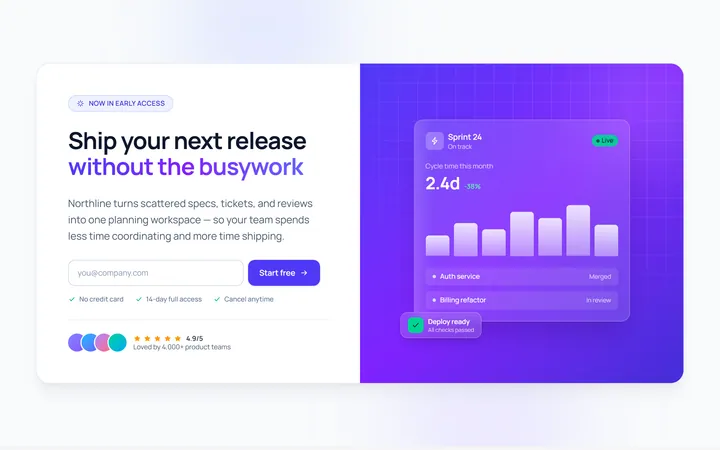
Split CTA
Originalsplit CTA with image side
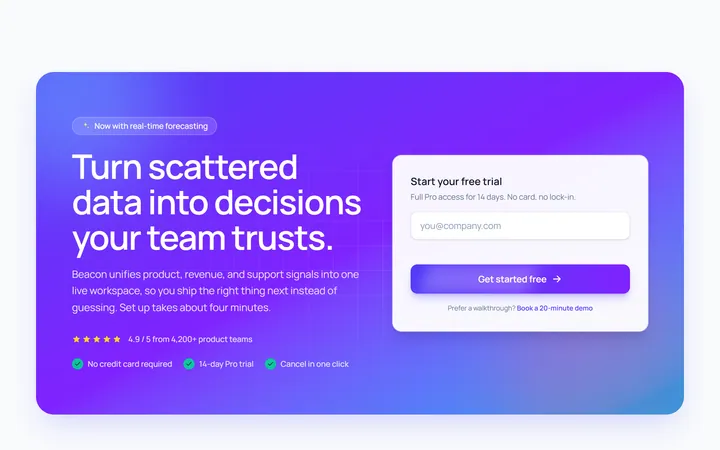
Gradient Band CTA
Originalgradient CTA band
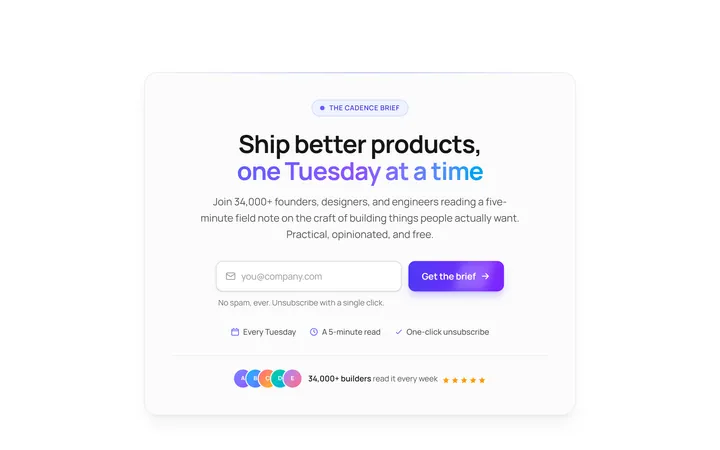
Newsletter CTA
OriginalCTA with newsletter input
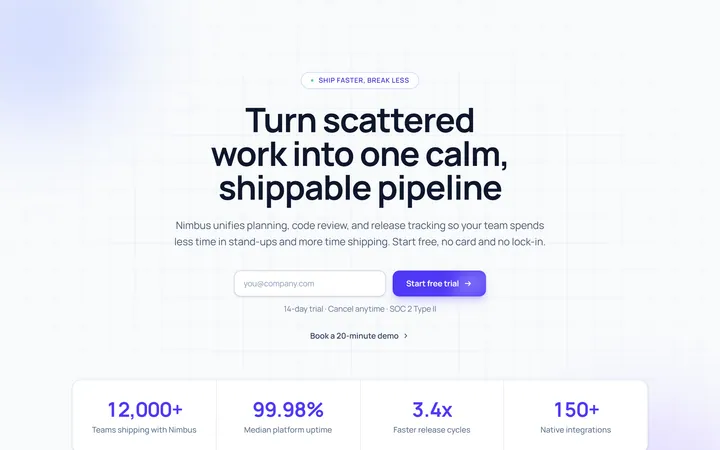
Stats CTA CTA
OriginalCTA with supporting stats