

Film Strip Effect
Original · freeThe image sits in a film-strip frame with sprocket holes.
Copy prompt gives Claude Code, Cursor or v0 a ready-to-paste prompt that recreates this exact component.
npx shadcn@latest add https://webinnoventix.com/r/imgfx-film-strip.json"use client";
import { useRef } from "react";
import { motion, useInView, useReducedMotion } from "motion/react";
type Frame = {
src: string;
alt: string;
label: string;
};
const FRAMES: Frame[] = [
{ src: "/img/gallery/g07.webp", alt: "A quiet street at dawn, warm light on wet pavement", label: "24A" },
{ src: "/img/gallery/g14.webp", alt: "Portrait caught mid-laugh in soft window light", label: "25" },
{ src: "/img/gallery/g22.webp", alt: "Rolling hills fading into layered morning haze", label: "25A" },
{ src: "/img/gallery/g31.webp", alt: "Neon sign reflected in a rain-slicked window at night", label: "26" },
];
const SPROCKETS = Array.from({ length: 28 }, (_, i) => i);
export default function ImgfxFilmStrip() {
const ref = useRef<HTMLDivElement>(null);
const inView = useInView(ref, { once: true, margin: "-15%" });
const reduce = useReducedMotion();
const animate = inView && !reduce;
return (
<section className="relative w-full overflow-hidden bg-neutral-100 px-5 py-20 dark:bg-neutral-950 sm:px-8 sm:py-28">
<style>{`
@keyframes fstrip-sweep {
0% { transform: translateX(-120%); opacity: 0; }
12% { opacity: 1; }
50% { opacity: 0.9; }
88% { opacity: 1; }
100% { transform: translateX(120%); opacity: 0; }
}
@keyframes fstrip-flicker {
0%, 100% { opacity: 0.10; }
47% { opacity: 0.16; }
52% { opacity: 0.07; }
78% { opacity: 0.14; }
}
.fstrip-sweep-el { animation: fstrip-sweep 5.5s cubic-bezier(0.4, 0, 0.2, 1) infinite; }
.fstrip-grain-el { animation: fstrip-flicker 0.9s steps(3, end) infinite; }
@media (prefers-reduced-motion: reduce) {
.fstrip-sweep-el, .fstrip-grain-el { animation: none !important; }
}
`}</style>
<div className="mx-auto max-w-6xl">
<div className="mb-10 text-center sm:mb-14">
<span className="inline-block text-xs font-semibold uppercase tracking-[0.35em] text-amber-600 dark:text-amber-400">
Image Effect
</span>
<h2 className="mt-3 text-3xl font-semibold tracking-tight text-neutral-900 dark:text-neutral-50 sm:text-4xl">
Film Strip
</h2>
<p className="mx-auto mt-3 max-w-md text-sm text-neutral-500 dark:text-neutral-400">
Your photos threaded onto 35mm stock — sprocket holes, frame edges, and a passing projector light.
</p>
</div>
<motion.div
ref={ref}
initial={reduce ? false : { opacity: 0, y: 42, rotate: -2.5 }}
animate={animate ? { opacity: 1, y: 0, rotate: -1.4 } : undefined}
transition={{ duration: 0.8, ease: [0.22, 1, 0.36, 1] }}
className="group relative mx-auto w-fit transition-transform duration-700 ease-out hover:!rotate-0"
style={{ perspective: "1200px" }}
>
{/* Film base */}
<div className="relative overflow-hidden rounded-md bg-neutral-900 shadow-2xl shadow-neutral-900/40 ring-1 ring-black/40 dark:shadow-black/60">
{/* Perforation row — top */}
<div className="flex justify-center gap-3 px-3 py-2.5 sm:gap-4 sm:px-5 sm:py-3">
{SPROCKETS.map((i) => (
<span
key={`t-${i}`}
className="h-3.5 w-5 shrink-0 rounded-[3px] bg-neutral-100 shadow-[inset_0_1px_1px_rgba(0,0,0,0.55)] sm:h-4 sm:w-6 dark:bg-neutral-300"
/>
))}
</div>
{/* Frames */}
<div className="flex gap-[3px] bg-neutral-900 px-1.5 sm:gap-1 sm:px-2">
{FRAMES.map((frame, idx) => (
<figure
key={frame.src}
className="relative flex-1 overflow-hidden bg-black"
>
<div className="relative aspect-[3/4] w-full overflow-hidden">
{/* eslint-disable-next-line @next/next/no-img-element */}
<img
src={frame.src}
alt={frame.alt}
loading="lazy"
draggable={false}
className="h-full w-full select-none object-cover contrast-[1.05] saturate-[1.05] transition-transform duration-[900ms] ease-out group-hover:scale-[1.04]"
/>
{/* frame gate vignette */}
<div className="pointer-events-none absolute inset-0 shadow-[inset_0_0_28px_rgba(0,0,0,0.55)]" />
</div>
{/* frame edge label */}
<figcaption className="pointer-events-none absolute bottom-1 left-1 font-mono text-[9px] font-semibold uppercase tracking-widest text-amber-300/80 sm:text-[10px]">
{frame.label}
<span className="ml-1 text-neutral-500">»</span>
</figcaption>
{idx < FRAMES.length - 1 && (
<span className="pointer-events-none absolute -right-[2px] top-0 z-10 h-full w-px bg-neutral-700/70" />
)}
</figure>
))}
</div>
{/* Perforation row — bottom */}
<div className="flex justify-center gap-3 px-3 py-2.5 sm:gap-4 sm:px-5 sm:py-3">
{SPROCKETS.map((i) => (
<span
key={`b-${i}`}
className="h-3.5 w-5 shrink-0 rounded-[3px] bg-neutral-100 shadow-[inset_0_1px_1px_rgba(0,0,0,0.55)] sm:h-4 sm:w-6 dark:bg-neutral-300"
/>
))}
</div>
{/* film stock edge print */}
<span className="pointer-events-none absolute left-2 top-1/2 -translate-y-1/2 select-none font-mono text-[8px] font-bold uppercase tracking-[0.3em] text-amber-400/50 [writing-mode:vertical-rl] sm:text-[9px]">
FreeCode 400
</span>
<span className="pointer-events-none absolute right-2 top-1/2 -translate-y-1/2 select-none font-mono text-[8px] font-bold uppercase tracking-[0.3em] text-amber-400/50 [writing-mode:vertical-rl] sm:text-[9px]">
Kodak Portra
</span>
{/* grain / flicker */}
<div
className="fstrip-grain-el pointer-events-none absolute inset-0 mix-blend-overlay"
style={{
backgroundImage:
"radial-gradient(rgba(255,255,255,0.9) 0.5px, transparent 0.6px)",
backgroundSize: "3px 3px",
}}
/>
{/* projector light sweep */}
<div className="pointer-events-none absolute inset-0 overflow-hidden">
<div
className="fstrip-sweep-el absolute inset-y-0 -left-1/4 w-1/3 skew-x-[-14deg] bg-gradient-to-r from-transparent via-white/25 to-transparent mix-blend-screen"
/>
</div>
</div>
</motion.div>
<p className="mt-8 text-center text-xs uppercase tracking-[0.25em] text-neutral-400 dark:text-neutral-600">
Hover to straighten the strip
</p>
</div>
</section>
);
}Dependencies
Licence
Built by Web Innoventix. Free for personal and commercial use, no attribution required.
Built by Web Innoventix
Need a custom interface, a full website, or SEO that gets you cited by AI? We design, build and rank it end to end.
Get a free quoteSimilar components
Browse all →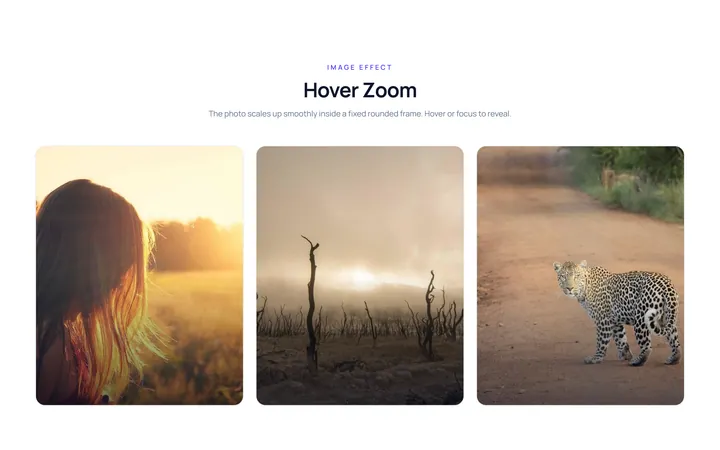
Hover Zoom Effect
OriginalImage zooms in smoothly inside a fixed rounded frame on hover.
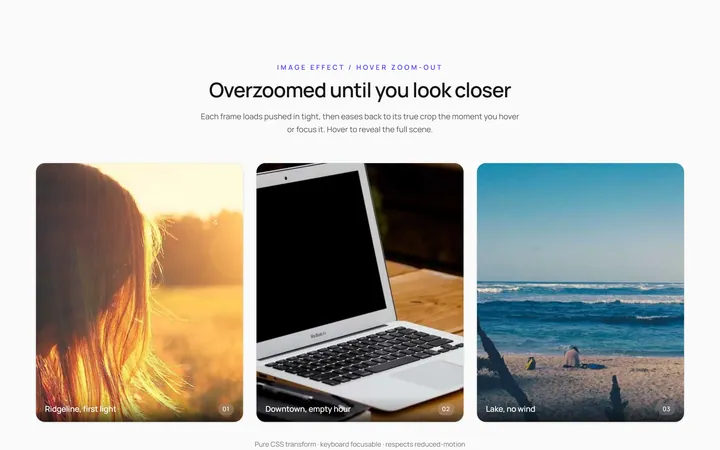
Hover Zoom Out Effect
OriginalImage starts zoomed and settles to normal on hover.
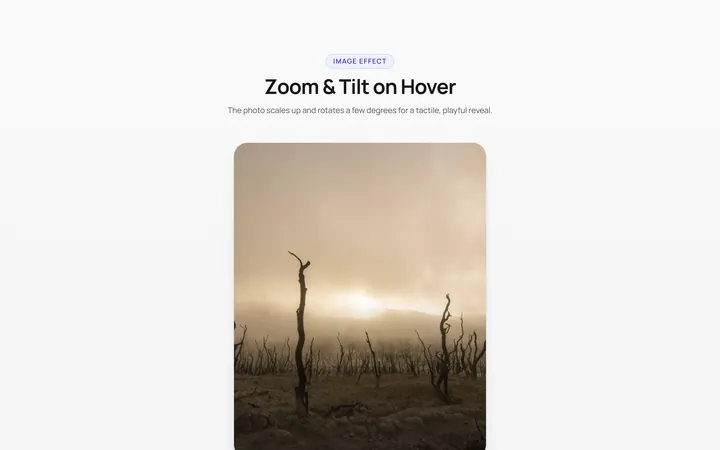
Zoom Rotate Effect
OriginalImage zooms and rotates slightly on hover.
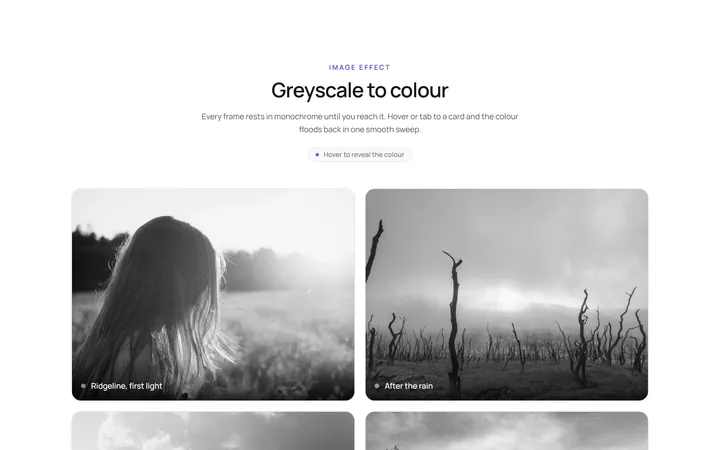
Grayscale Color Effect
OriginalGreyscale image turns to full colour on hover.
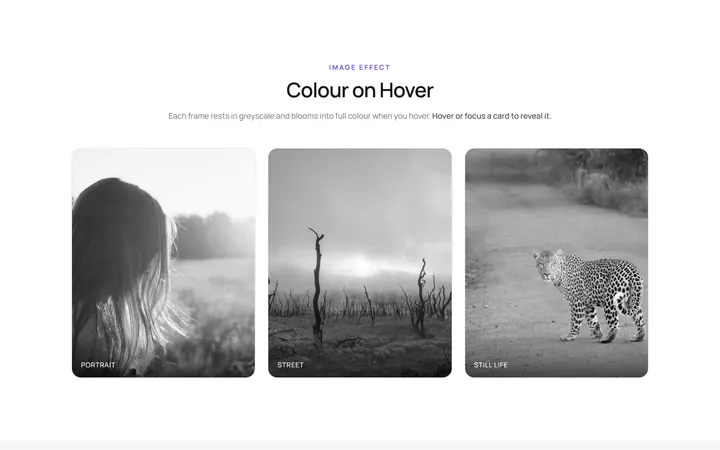
Color Grayscale Effect
OriginalFull-colour image fades to greyscale on hover.
Blur Sharp Effect
OriginalBlurred image sharpens on hover.
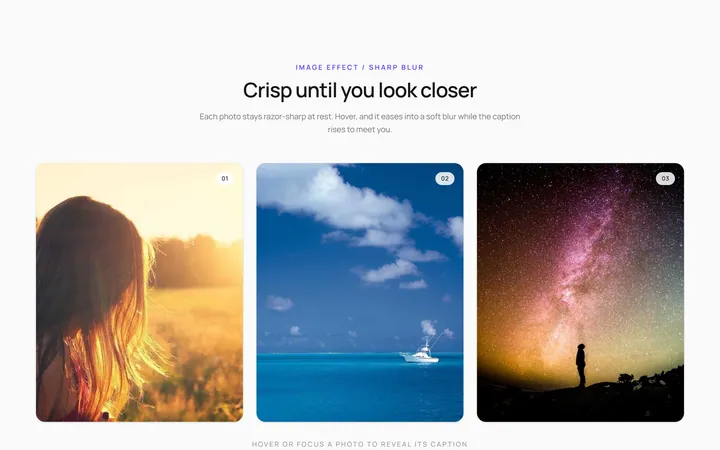
Sharp Blur Effect
OriginalSharp image blurs with a caption appearing on hover.
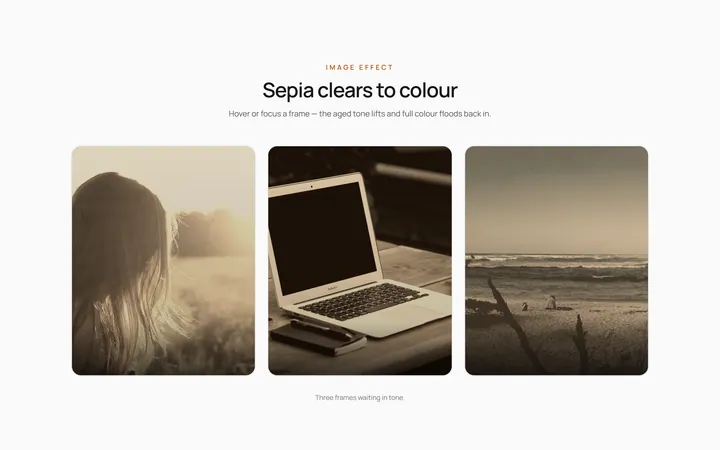
Sepia Clear Effect
OriginalSepia-toned image clears to full colour on hover.
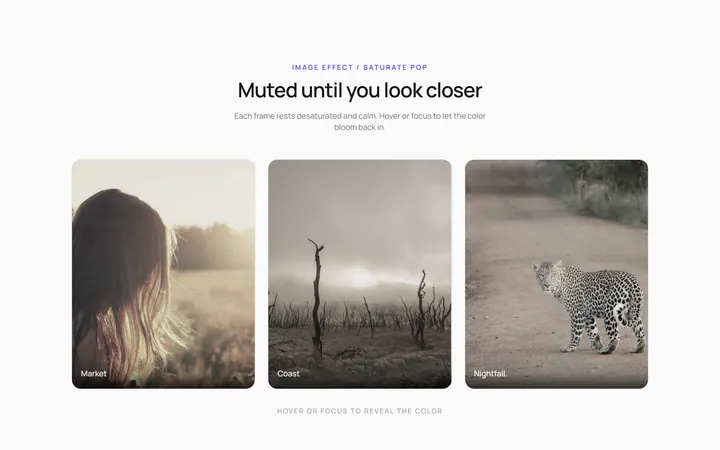
Saturate Pop Effect
OriginalMuted image saturates and pops on hover.
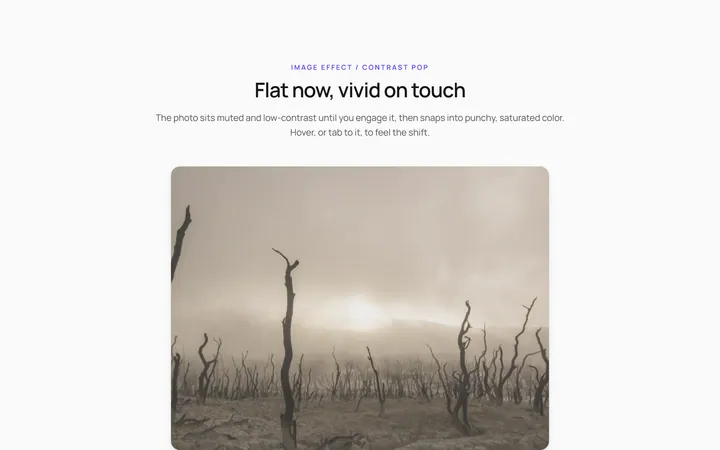
Contrast Pop Effect
OriginalLow-contrast image gains punchy contrast on hover.
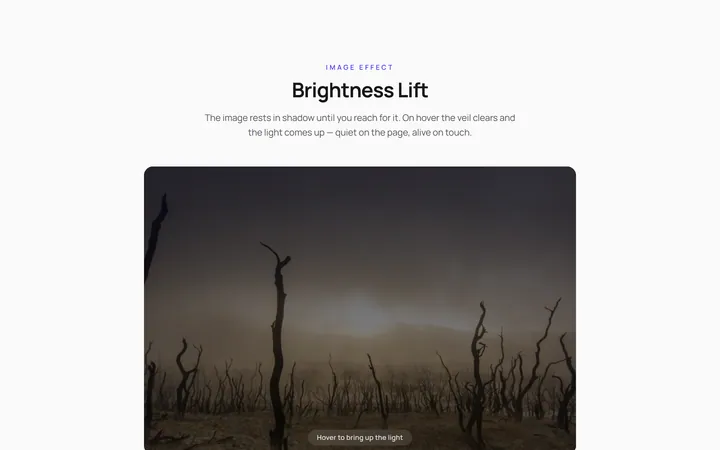
Brightness Lift Effect
OriginalDim image brightens on hover.
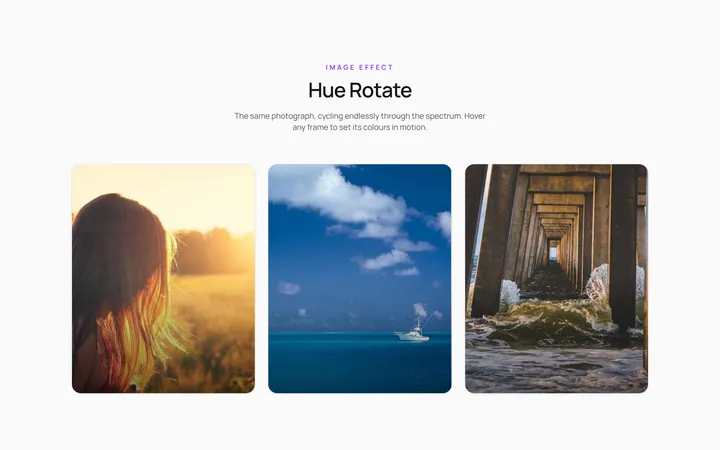
Hue Rotate Effect
OriginalImage hue-shifts through colours on hover.