

Flickering Grid Background
grid.tsx · attributedA reusable animated background for React and Tailwind: flickering grid background.
Copy prompt gives Claude Code, Cursor or v0 a ready-to-paste prompt that recreates this exact component.
npx shadcn@latest add https://webinnoventix.com/r/src-flickering-grid-background.json/* Source: Magic UI (magicuidesign) — https://github.com/magicuidesign/magicui/blob/main/apps/www/registry/magicui/flickering-grid.tsx — MIT. Included under its original licence. */
/* Copyright (c) Magic UI */
"use client";
import React, {
useCallback,
useEffect,
useMemo,
useRef,
useState,
} from "react";
function cn(...classes: Array<string | false | null | undefined>) {
return classes.filter(Boolean).join(" ");
}
interface FlickeringGridProps extends React.HTMLAttributes<HTMLDivElement> {
squareSize?: number;
gridGap?: number;
flickerChance?: number;
color?: string;
width?: number;
height?: number;
className?: string;
maxOpacity?: number;
}
export const FlickeringGrid: React.FC<FlickeringGridProps> = ({
squareSize = 4,
gridGap = 6,
flickerChance = 0.3,
color = "rgb(0, 0, 0)",
width,
height,
className,
maxOpacity = 0.3,
...props
}) => {
const canvasRef = useRef<HTMLCanvasElement>(null);
const containerRef = useRef<HTMLDivElement>(null);
const [isInView, setIsInView] = useState(false);
const [canvasSize, setCanvasSize] = useState({ width: 0, height: 0 });
const memoizedColor = useMemo(() => {
const toRGBA = (input: string) => {
if (typeof window === "undefined") {
return "rgba(0, 0, 0,";
}
const canvas = document.createElement("canvas");
canvas.width = canvas.height = 1;
const ctx = canvas.getContext("2d");
if (!ctx) return "rgba(255, 0, 0,";
ctx.fillStyle = input;
ctx.fillRect(0, 0, 1, 1);
const [r, g, b] = Array.from(ctx.getImageData(0, 0, 1, 1).data);
return `rgba(${r}, ${g}, ${b},`;
};
return toRGBA(color);
}, [color]);
const setupCanvas = useCallback(
(canvas: HTMLCanvasElement, w: number, h: number) => {
const dpr = window.devicePixelRatio || 1;
canvas.width = w * dpr;
canvas.height = h * dpr;
canvas.style.width = `${w}px`;
canvas.style.height = `${h}px`;
const cols = Math.ceil(w / (squareSize + gridGap));
const rows = Math.ceil(h / (squareSize + gridGap));
const squares = new Float32Array(cols * rows);
for (let i = 0; i < squares.length; i++) {
squares[i] = Math.random() * maxOpacity;
}
return { cols, rows, squares, dpr };
},
[squareSize, gridGap, maxOpacity],
);
const updateSquares = useCallback(
(squares: Float32Array, deltaTime: number) => {
for (let i = 0; i < squares.length; i++) {
if (Math.random() < flickerChance * deltaTime) {
squares[i] = Math.random() * maxOpacity;
}
}
},
[flickerChance, maxOpacity],
);
const drawGrid = useCallback(
(
ctx: CanvasRenderingContext2D,
w: number,
h: number,
cols: number,
rows: number,
squares: Float32Array,
dpr: number,
) => {
ctx.clearRect(0, 0, w, h);
ctx.fillStyle = "transparent";
ctx.fillRect(0, 0, w, h);
for (let i = 0; i < cols; i++) {
for (let j = 0; j < rows; j++) {
const opacity = squares[i * rows + j];
ctx.fillStyle = `${memoizedColor}${opacity})`;
ctx.fillRect(
i * (squareSize + gridGap) * dpr,
j * (squareSize + gridGap) * dpr,
squareSize * dpr,
squareSize * dpr,
);
}
}
},
[memoizedColor, squareSize, gridGap],
);
useEffect(() => {
const canvas = canvasRef.current;
const container = containerRef.current;
const ctx = canvas?.getContext("2d") ?? null;
let animationFrameId: number | null = null;
let resizeObserver: ResizeObserver | null = null;
let intersectionObserver: IntersectionObserver | null = null;
let gridParams: ReturnType<typeof setupCanvas> | null = null;
if (canvas && container && ctx) {
const updateCanvasSize = () => {
const newWidth = width || container.clientWidth;
const newHeight = height || container.clientHeight;
setCanvasSize({ width: newWidth, height: newHeight });
gridParams = setupCanvas(canvas, newWidth, newHeight);
};
updateCanvasSize();
let lastTime = 0;
const animate = (time: number) => {
if (!isInView || !gridParams) return;
const deltaTime = (time - lastTime) / 1000;
lastTime = time;
updateSquares(gridParams.squares, deltaTime);
drawGrid(
ctx,
canvas.width,
canvas.height,
gridParams.cols,
gridParams.rows,
gridParams.squares,
gridParams.dpr,
);
animationFrameId = requestAnimationFrame(animate);
};
resizeObserver = new ResizeObserver(() => {
updateCanvasSize();
});
resizeObserver.observe(container);
intersectionObserver = new IntersectionObserver(
([entry]) => {
setIsInView(entry.isIntersecting);
},
{ threshold: 0 },
);
intersectionObserver.observe(canvas);
if (isInView) {
animationFrameId = requestAnimationFrame(animate);
}
}
return () => {
if (animationFrameId !== null) {
cancelAnimationFrame(animationFrameId);
}
if (resizeObserver) {
resizeObserver.disconnect();
}
if (intersectionObserver) {
intersectionObserver.disconnect();
}
};
}, [setupCanvas, updateSquares, drawGrid, width, height, isInView]);
return (
<div
ref={containerRef}
className={cn("h-full w-full", className)}
{...props}
>
<canvas
ref={canvasRef}
className="pointer-events-none"
style={{
width: canvasSize.width,
height: canvasSize.height,
}}
/>
</div>
);
};
export default function SrcFlickeringGridBackground() {
return (
<div className="relative flex h-[28rem] w-full items-center justify-center overflow-hidden rounded-xl border border-zinc-200 bg-white dark:border-zinc-800 dark:bg-zinc-950">
<FlickeringGrid
className="absolute inset-0 z-0 [mask-image:radial-gradient(520px_circle_at_center,white,transparent)]"
squareSize={4}
gridGap={6}
color="#6366f1"
maxOpacity={0.5}
flickerChance={0.35}
/>
<div className="relative z-10 max-w-md px-6 text-center">
<span className="inline-flex items-center rounded-full border border-zinc-200 bg-white/70 px-3 py-1 text-xs font-medium text-zinc-600 shadow-sm backdrop-blur dark:border-zinc-800 dark:bg-zinc-900/70 dark:text-zinc-300">
Background
</span>
<h2 className="mt-5 text-3xl font-semibold tracking-tight text-zinc-900 dark:text-white sm:text-4xl">
Flickering grid
</h2>
<p className="mx-auto mt-3 max-w-sm text-sm leading-relaxed text-zinc-600 dark:text-zinc-400">
A GPU-friendly canvas grid of tiny squares that flicker at random, pausing automatically when scrolled out of view.
</p>
</div>
</div>
);
}Dependencies
Licence
Magic UI (magicuidesign) (original) · Licensed under grid.tsx.
Built by Web Innoventix
Need a custom interface, a full website, or SEO that gets you cited by AI? We design, build and rank it end to end.
Get a free quoteSimilar components
Browse all →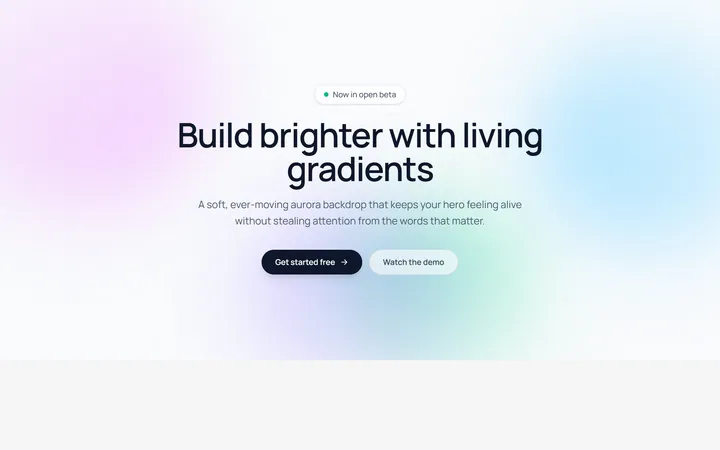
Aurora Blobs Background
OriginalAn animated hero section with soft, ever-drifting aurora gradient blobs floating behind staggered, blur-in content.

Retro Perspective Grid
OriginalA launch and waitlist section set over an infinite neon grid that scrolls into a glowing horizon with rising particles.
Conic Gradient Flow
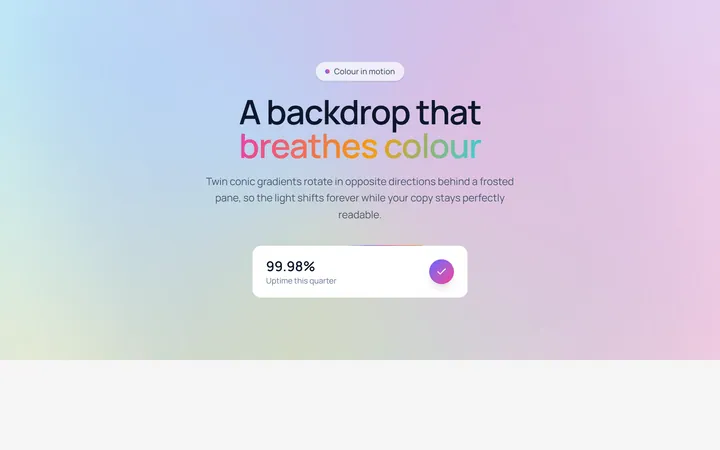
OriginalA frosted hero backed by twin counter-rotating conic gradients, with flowing gradient text and an animated gradient-border stat card.
Spotlight Follow Background
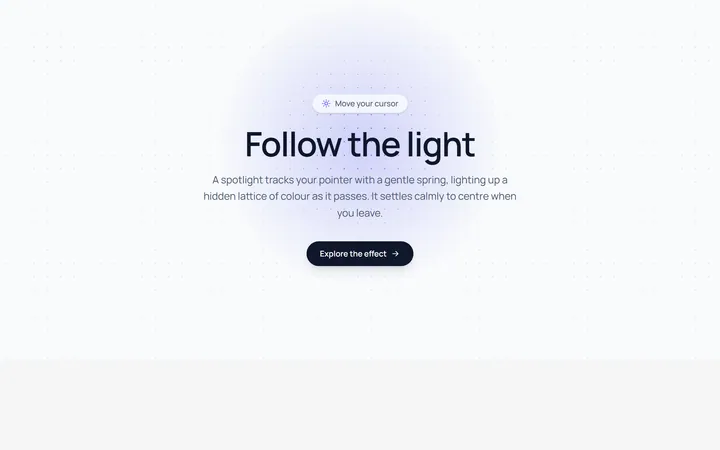
OriginalA dot-grid section where a spring-eased spotlight follows the cursor and reveals a hidden lattice of coloured dots.
Dot Pattern Background
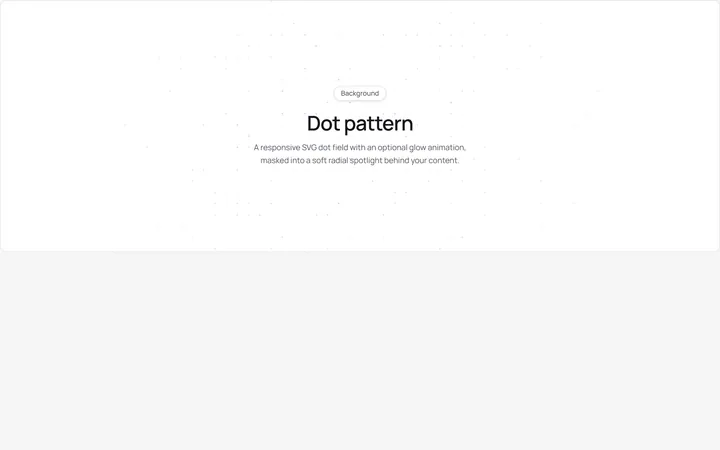
pattern.tsxA reusable animated background for React and Tailwind: dot pattern background.
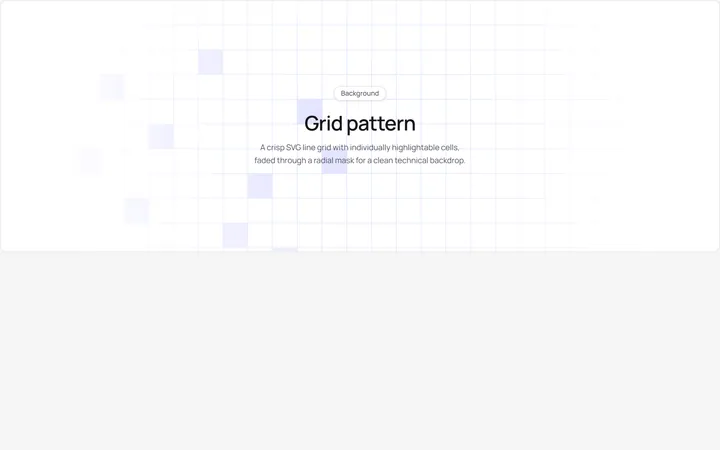
Grid Pattern Background
pattern.tsxA reusable animated background for React and Tailwind: grid pattern background.
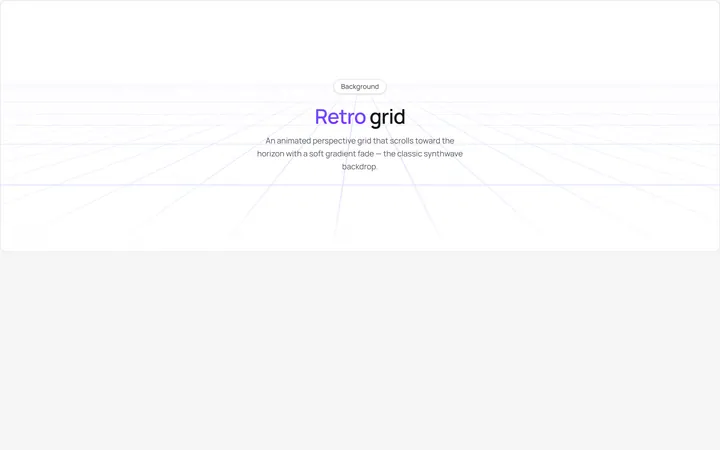
Retro Grid Background
grid.jsonA reusable animated background for React and Tailwind: retro grid background.

Spotlight Hero
OriginalA centred hero with a soft radial spotlight, badge and dual call-to-action.
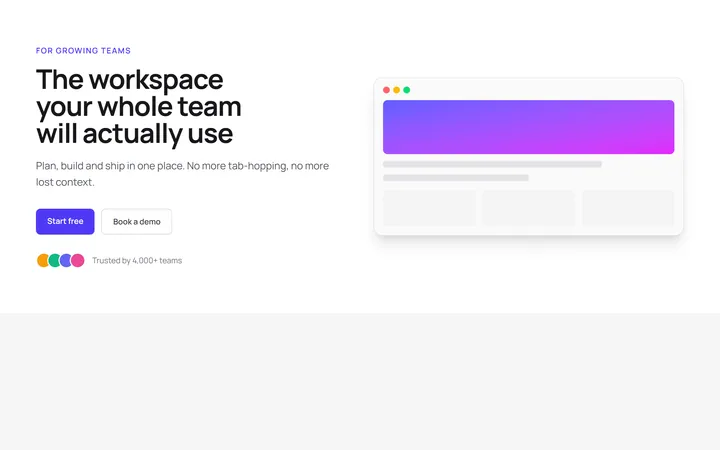
Split Hero
OriginalA two-column hero pairing a headline and CTAs with a product mock and social proof.

Gradient Spotlight Hero
OriginalA minimal centred hero with a soft gradient-mesh backdrop, announcement pill and dual call-to-action buttons.

App Preview Hero
OriginalA centred hero that pairs headline copy with a realistic product dashboard mock built entirely from markup, complete with browser chrome and a floating notification card.

Waitlist Capture Hero
OriginalA dark, focused hero with an inline email capture form and avatar social proof, ready for pre-launch waitlists.