

Trail Cursor
Original · freecursor trail effect
Copy prompt gives Claude Code, Cursor or v0 a ready-to-paste prompt that recreates this exact component.
npx shadcn@latest add https://webinnoventix.com/r/cur-trail.json"use client";
import {
useEffect,
useId,
useRef,
useState,
type KeyboardEvent as ReactKeyboardEvent,
type PointerEvent as ReactPointerEvent,
} from "react";
import { useReducedMotion } from "motion/react";
const MAX_SEGMENTS = 30;
type TrailStyle = "comet" | "dots" | "glow" | "ribbon";
type PaletteKey = "indigo" | "emerald" | "rose" | "amber" | "sky";
interface PaletteDef {
key: PaletteKey;
label: string;
core: string;
edge: string;
}
const PALETTES: PaletteDef[] = [
{ key: "indigo", label: "Indigo", core: "#6366f1", edge: "#a5b4fc" },
{ key: "emerald", label: "Emerald", core: "#10b981", edge: "#6ee7b7" },
{ key: "rose", label: "Rose", core: "#f43f5e", edge: "#fda4af" },
{ key: "amber", label: "Amber", core: "#f59e0b", edge: "#fcd34d" },
{ key: "sky", label: "Sky", core: "#0ea5e9", edge: "#7dd3fc" },
];
const STYLES: { key: TrailStyle; label: string; hint: string }[] = [
{ key: "comet", label: "Comet", hint: "Tapered head to tail" },
{ key: "dots", label: "Dots", hint: "Even beaded chain" },
{ key: "glow", label: "Glow", hint: "Soft blurred orbs" },
{ key: "ribbon", label: "Ribbon", hint: "One connected stroke" },
];
const lerp = (a: number, b: number, t: number): number => a + (b - a) * t;
interface SwitchProps {
checked: boolean;
onChange: (next: boolean) => void;
label: string;
hint: string;
}
function Switch({ checked, onChange, label, hint }: SwitchProps) {
const id = useId();
return (
<div className="flex items-center justify-between gap-4">
<span className="min-w-0">
<span
id={id}
className="block text-sm font-medium text-slate-800 dark:text-slate-100"
>
{label}
</span>
<span className="mt-0.5 block text-xs text-slate-500 dark:text-slate-400">
{hint}
</span>
</span>
<button
type="button"
role="switch"
aria-checked={checked}
aria-labelledby={id}
onClick={() => onChange(!checked)}
className={`relative inline-flex h-6 w-11 flex-none items-center rounded-full transition-colors duration-200 focus-visible:outline-none focus-visible:ring-2 focus-visible:ring-indigo-500 focus-visible:ring-offset-2 focus-visible:ring-offset-white dark:focus-visible:ring-offset-slate-900 ${
checked
? "bg-indigo-600 dark:bg-indigo-500"
: "bg-slate-300 dark:bg-slate-700"
}`}
>
<span
className={`inline-block h-5 w-5 transform rounded-full bg-white shadow transition-transform duration-200 ${
checked ? "translate-x-5" : "translate-x-0.5"
}`}
/>
</button>
</div>
);
}
export default function CurTrail() {
const reduce = !!useReducedMotion();
const [enabled, setEnabled] = useState(true);
const [style, setStyle] = useState<TrailStyle>("comet");
const [palette, setPalette] = useState<PaletteKey>("indigo");
const [length, setLength] = useState(22);
const [sparkle, setSparkle] = useState(true);
const [keyboardActive, setKeyboardActive] = useState(false);
const containerRef = useRef<HTMLDivElement | null>(null);
const dotRefs = useRef<(HTMLSpanElement | null)[]>([]);
const innerRefs = useRef<(HTMLSpanElement | null)[]>([]);
const polyRef = useRef<SVGPolylineElement | null>(null);
const pointsRef = useRef(
Array.from({ length: MAX_SEGMENTS }, () => ({ x: 0, y: 0 })),
);
const targetRef = useRef({ x: 0, y: 0 });
const countRef = useRef(length);
const hintId = useId();
const lenId = useId();
const lenHintId = useId();
const styleName = useId();
const palName = useId();
useEffect(() => {
countRef.current = length;
}, [length]);
// Seed all segments to the canvas centre so the trail never flashes at 0,0.
useEffect(() => {
if (!enabled) return;
const el = containerRef.current;
if (!el) return;
const r = el.getBoundingClientRect();
const cx = r.width / 2;
const cy = r.height / 2;
targetRef.current = { x: cx, y: cy };
for (let i = 0; i < MAX_SEGMENTS; i++) {
pointsRef.current[i].x = cx;
pointsRef.current[i].y = cy;
const outer = dotRefs.current[i];
if (outer) outer.style.transform = `translate3d(${cx}px, ${cy}px, 0)`;
}
}, [enabled]);
// Chain-eased follow loop: each segment eases toward the one ahead of it.
useEffect(() => {
if (!enabled) return;
let raf = 0;
const loop = () => {
const pts = pointsRef.current;
const t = targetRef.current;
const ease = 0.3;
pts[0].x += (t.x - pts[0].x) * ease;
pts[0].y += (t.y - pts[0].y) * ease;
for (let i = 1; i < MAX_SEGMENTS; i++) {
pts[i].x += (pts[i - 1].x - pts[i].x) * ease;
pts[i].y += (pts[i - 1].y - pts[i].y) * ease;
}
for (let i = 0; i < MAX_SEGMENTS; i++) {
const outer = dotRefs.current[i];
if (outer) {
outer.style.transform = `translate3d(${pts[i].x}px, ${pts[i].y}px, 0)`;
}
}
const poly = polyRef.current;
if (poly) {
const count = countRef.current;
let d = "";
for (let i = 0; i < count; i++) {
d += `${pts[i].x.toFixed(1)},${pts[i].y.toFixed(1)} `;
}
poly.setAttribute("points", d.trim());
}
raf = requestAnimationFrame(loop);
};
raf = requestAnimationFrame(loop);
return () => cancelAnimationFrame(raf);
}, [enabled]);
// Per-segment visual styling (size / colour / opacity) — recomputed only when
// the look changes, so the rAF loop stays limited to cheap transforms.
useEffect(() => {
const pal = PALETTES.find((p) => p.key === palette) ?? PALETTES[0];
for (let i = 0; i < MAX_SEGMENTS; i++) {
const inner = innerRefs.current[i];
if (!inner) continue;
const active = enabled && style !== "ribbon" && i < length;
if (!active) {
inner.style.opacity = "0";
inner.classList.remove("curtrail-twinkle");
continue;
}
const p = length <= 1 ? 0 : i / (length - 1);
let size = 10;
let opacity = 0.6;
let blur = 0;
let shadow = "none";
let bg = pal.core;
if (style === "comet") {
size = lerp(24, 4, p);
opacity = lerp(1, 0.05, p);
bg = `radial-gradient(circle at 32% 30%, ${pal.edge}, ${pal.core})`;
shadow = `0 0 ${lerp(22, 2, p).toFixed(1)}px ${pal.core}80`;
} else if (style === "dots") {
size = lerp(11, 5, p);
opacity = lerp(0.95, 0.12, p);
bg = pal.core;
shadow = `0 0 8px ${pal.core}55`;
} else if (style === "glow") {
size = lerp(34, 10, p);
opacity = lerp(0.55, 0.03, p);
bg = `radial-gradient(circle, ${pal.edge}, ${pal.core}00 70%)`;
blur = 6;
}
inner.style.width = `${size.toFixed(2)}px`;
inner.style.height = `${size.toFixed(2)}px`;
inner.style.opacity = opacity.toFixed(3);
inner.style.background = bg;
inner.style.boxShadow = shadow;
inner.style.filter = blur ? `blur(${blur}px)` : "none";
inner.style.transform = "translate(-50%, -50%)";
if (sparkle && !reduce) {
inner.classList.add("curtrail-twinkle");
inner.style.animationDelay = `${((i % 7) * 0.12).toFixed(2)}s`;
} else {
inner.classList.remove("curtrail-twinkle");
}
}
const poly = polyRef.current;
if (poly) {
if (enabled && style === "ribbon") {
poly.setAttribute("stroke", pal.core);
poly.setAttribute("stroke-width", "5");
poly.style.opacity = "0.95";
poly.style.filter = `drop-shadow(0 0 6px ${pal.core}66)`;
} else {
poly.style.opacity = "0";
}
}
}, [enabled, style, palette, length, sparkle, reduce]);
// Keep the head target inside the box across viewport changes.
useEffect(() => {
const onResize = () => {
const el = containerRef.current;
if (!el) return;
const r = el.getBoundingClientRect();
const t = targetRef.current;
targetRef.current = {
x: Math.max(0, Math.min(r.width, t.x)),
y: Math.max(0, Math.min(r.height, t.y)),
};
};
window.addEventListener("resize", onResize);
return () => window.removeEventListener("resize", onResize);
}, []);
const handlePointerMove = (e: ReactPointerEvent<HTMLDivElement>) => {
if (!enabled) return;
const el = containerRef.current;
if (!el) return;
const r = el.getBoundingClientRect();
targetRef.current = { x: e.clientX - r.left, y: e.clientY - r.top };
if (keyboardActive) setKeyboardActive(false);
};
const handleKeyDown = (e: ReactKeyboardEvent<HTMLDivElement>) => {
if (!enabled) return;
const el = containerRef.current;
if (!el) return;
const r = el.getBoundingClientRect();
const step = e.shiftKey ? 48 : 20;
const t = { ...targetRef.current };
let handled = true;
switch (e.key) {
case "ArrowUp":
case "w":
case "W":
t.y -= step;
break;
case "ArrowDown":
case "s":
case "S":
t.y += step;
break;
case "ArrowLeft":
case "a":
case "A":
t.x -= step;
break;
case "ArrowRight":
case "d":
case "D":
t.x += step;
break;
default:
handled = false;
}
if (!handled) return;
e.preventDefault();
t.x = Math.max(0, Math.min(r.width, t.x));
t.y = Math.max(0, Math.min(r.height, t.y));
targetRef.current = t;
if (!keyboardActive) setKeyboardActive(true);
};
const activePalette =
PALETTES.find((p) => p.key === palette) ?? PALETTES[0];
return (
<section className="relative w-full bg-slate-50 px-4 py-16 sm:px-6 sm:py-20 dark:bg-slate-950">
<style>{`
@keyframes curtrail-twinkle {
0%, 100% { transform: translate(-50%, -50%) scale(1); }
50% { transform: translate(-50%, -50%) scale(1.45); }
}
@keyframes curtrail-pulse {
0% { transform: scale(1); opacity: 0.55; }
100% { transform: scale(1.9); opacity: 0; }
}
.curtrail-twinkle { animation: curtrail-twinkle 1.5s ease-in-out infinite; }
.curtrail-pulse { animation: curtrail-pulse 2.2s ease-out infinite; }
@media (prefers-reduced-motion: reduce) {
.curtrail-twinkle, .curtrail-pulse { animation: none !important; }
}
`}</style>
<div className="mx-auto w-full max-w-4xl">
<header className="mb-8">
<span className="inline-flex items-center gap-2 rounded-full border border-slate-200 bg-white px-3 py-1 text-xs font-medium tracking-wide text-slate-600 uppercase dark:border-slate-800 dark:bg-slate-900 dark:text-slate-300">
<svg
viewBox="0 0 24 24"
className="h-3.5 w-3.5"
fill="none"
stroke="currentColor"
strokeWidth={1.8}
aria-hidden="true"
>
<path
d="M5 3l6 16 2.2-6.2L19.5 10.6 5 3z"
strokeLinejoin="round"
strokeLinecap="round"
/>
</svg>
Cursors · Pointer FX
</span>
<h2 className="mt-4 text-3xl font-semibold tracking-tight text-slate-900 sm:text-4xl dark:text-white">
Cursor trail
</h2>
<p className="mt-3 max-w-2xl text-sm leading-relaxed text-slate-600 sm:text-base dark:text-slate-400">
Spring-eased segments chase your pointer across the canvas. Switch
the render style, recolour the chain, stretch its length, and add a
twinkle — every control is keyboard-drivable and the whole thing
respects <span className="font-medium text-slate-800 dark:text-slate-200">reduced-motion</span>.
</p>
</header>
<p id={hintId} className="sr-only">
Interactive canvas. Move your pointer inside to draw a trailing cursor
effect. Focus this area and press the arrow keys or the W, A, S and D
keys to steer the trail with the keyboard. Hold Shift to move faster.
</p>
<div
ref={containerRef}
role="application"
aria-label="Cursor trail canvas"
aria-describedby={hintId}
tabIndex={0}
onPointerMove={handlePointerMove}
onKeyDown={handleKeyDown}
onBlur={() => setKeyboardActive(false)}
className="relative h-[24rem] w-full cursor-crosshair overflow-hidden rounded-2xl border border-slate-200 bg-white shadow-sm select-none focus-visible:outline-none focus-visible:ring-2 focus-visible:ring-indigo-500 focus-visible:ring-offset-2 focus-visible:ring-offset-slate-100 sm:h-[30rem] dark:border-slate-800 dark:bg-slate-950 dark:focus-visible:ring-offset-slate-900"
>
{/* grid backdrop */}
<div
aria-hidden="true"
className="pointer-events-none absolute inset-0 opacity-70"
style={{
backgroundImage:
"linear-gradient(to right, rgba(100,116,139,0.10) 1px, transparent 1px), linear-gradient(to bottom, rgba(100,116,139,0.10) 1px, transparent 1px)",
backgroundSize: "34px 34px",
}}
/>
<div
aria-hidden="true"
className="pointer-events-none absolute inset-0"
style={{
background:
"radial-gradient(120% 120% at 50% 0%, transparent 55%, rgba(15,23,42,0.06) 100%)",
}}
/>
{/* idle hint */}
<div
aria-hidden="true"
className="pointer-events-none absolute inset-0 z-0 grid place-items-center"
>
<div className="flex flex-col items-center gap-3 text-center">
<span className="relative grid h-14 w-14 place-items-center rounded-full border border-slate-300 text-slate-400 dark:border-slate-700 dark:text-slate-500">
{!reduce && (
<span className="curtrail-pulse absolute inset-0 rounded-full border border-indigo-400/50" />
)}
<svg
viewBox="0 0 24 24"
className="h-6 w-6"
fill="none"
stroke="currentColor"
strokeWidth={1.6}
aria-hidden="true"
>
<path
d="M5 3l6 16 2.2-6.2L19.5 10.6 5 3z"
strokeLinejoin="round"
strokeLinecap="round"
/>
</svg>
</span>
<span className="max-w-[16rem] text-xs font-medium text-slate-400 dark:text-slate-500">
Move your pointer here — or focus this area and steer with the
arrow keys
</span>
</div>
</div>
{/* ribbon overlay */}
<svg
aria-hidden="true"
className="pointer-events-none absolute inset-0 z-10 h-full w-full"
style={{ overflow: "visible" }}
>
<polyline
ref={polyRef}
fill="none"
strokeLinecap="round"
strokeLinejoin="round"
style={{ opacity: 0, transition: "opacity 200ms" }}
/>
</svg>
{/* trail segments */}
<div className="pointer-events-none absolute inset-0 z-10">
{Array.from({ length: MAX_SEGMENTS }).map((_, i) => (
<span
key={i}
ref={(el) => {
dotRefs.current[i] = el;
}}
aria-hidden="true"
className="absolute top-0 left-0"
style={{ willChange: "transform" }}
>
<span
ref={(el) => {
innerRefs.current[i] = el;
}}
className="absolute top-0 left-0 block rounded-full"
style={{ opacity: 0 }}
/>
</span>
))}
</div>
{/* keyboard status pill */}
{keyboardActive && (
<div
aria-hidden="true"
className="pointer-events-none absolute bottom-3 left-1/2 z-20 -translate-x-1/2 rounded-full border border-slate-200 bg-white/90 px-3 py-1 text-xs font-medium text-slate-600 shadow-sm backdrop-blur dark:border-slate-700 dark:bg-slate-900/90 dark:text-slate-300">
Keyboard steering · arrow keys / WASD · Shift to sprint
</div>
)}
</div>
<p className="sr-only" role="status" aria-live="polite">
{keyboardActive
? "Keyboard steering active. Use the arrow keys or W, A, S and D to move the trail."
: ""}
</p>
{/* controls */}
<div className="mt-6 grid gap-x-8 gap-y-7 rounded-2xl border border-slate-200 bg-white/70 p-5 backdrop-blur-sm sm:p-6 md:grid-cols-2 dark:border-slate-800 dark:bg-slate-900/50">
{/* left column */}
<div className="flex flex-col gap-6">
<Switch
checked={enabled}
onChange={setEnabled}
label="Trail active"
hint="Turn the pointer effect on or off"
/>
<div className="h-px bg-slate-200 dark:bg-slate-800" />
<div>
<div className="flex items-center justify-between">
<label
htmlFor={lenId}
className="text-sm font-medium text-slate-800 dark:text-slate-100"
>
Trail length
</label>
<span className="text-xs tabular-nums text-slate-500 dark:text-slate-400">
{length} segments
</span>
</div>
<input
id={lenId}
type="range"
min={6}
max={MAX_SEGMENTS}
step={1}
value={length}
onChange={(e) => setLength(Number(e.target.value))}
aria-describedby={lenHintId}
className="mt-3 h-2 w-full cursor-pointer appearance-none rounded-full bg-slate-200 accent-indigo-600 focus-visible:outline-none focus-visible:ring-2 focus-visible:ring-indigo-500 focus-visible:ring-offset-2 focus-visible:ring-offset-white dark:bg-slate-700 dark:accent-indigo-400 dark:focus-visible:ring-offset-slate-900"
/>
<p
id={lenHintId}
className="mt-2 text-xs text-slate-500 dark:text-slate-400"
>
A longer chain leaves a heavier, slower-settling tail.
</p>
</div>
<div className="h-px bg-slate-200 dark:bg-slate-800" />
<Switch
checked={sparkle}
onChange={setSparkle}
label="Twinkle"
hint="Pulse each segment as it drifts"
/>
</div>
{/* right column */}
<div className="flex flex-col gap-6">
<fieldset>
<legend className="text-sm font-medium text-slate-800 dark:text-slate-100">
Render style
</legend>
<div className="mt-3 grid grid-cols-2 gap-2">
{STYLES.map((s) => (
<label key={s.key} className="cursor-pointer">
<input
type="radio"
name={styleName}
value={s.key}
checked={style === s.key}
onChange={() => setStyle(s.key)}
className="peer sr-only"
/>
<span className="flex h-full flex-col rounded-xl border border-slate-200 bg-white px-3 py-2.5 text-slate-800 transition peer-checked:border-indigo-500 peer-checked:bg-indigo-50 peer-checked:text-indigo-700 peer-focus-visible:ring-2 peer-focus-visible:ring-indigo-500 peer-focus-visible:ring-offset-2 peer-focus-visible:ring-offset-white dark:border-slate-700 dark:bg-slate-900 dark:text-slate-100 dark:peer-checked:border-indigo-400 dark:peer-checked:bg-indigo-500/15 dark:peer-checked:text-indigo-200 dark:peer-focus-visible:ring-offset-slate-900">
<span className="text-sm font-semibold">{s.label}</span>
<span className="mt-0.5 text-xs text-slate-500 dark:text-slate-400">
{s.hint}
</span>
</span>
</label>
))}
</div>
</fieldset>
<fieldset>
<legend className="text-sm font-medium text-slate-800 dark:text-slate-100">
Chain colour
</legend>
<div className="mt-3 flex flex-wrap gap-3">
{PALETTES.map((p) => (
<label key={p.key} className="cursor-pointer">
<input
type="radio"
name={palName}
value={p.key}
checked={palette === p.key}
onChange={() => setPalette(p.key)}
className="peer sr-only"
/>
<span
aria-hidden="true"
style={{
background: `linear-gradient(135deg, ${p.edge}, ${p.core})`,
}}
className="block h-9 w-9 rounded-full ring-2 ring-transparent ring-offset-2 ring-offset-white transition peer-checked:ring-slate-900 peer-focus-visible:ring-indigo-500 dark:ring-offset-slate-900 dark:peer-checked:ring-white"
/>
<span className="sr-only">{p.label}</span>
</label>
))}
</div>
</fieldset>
</div>
</div>
<p className="mt-4 text-xs text-slate-500 dark:text-slate-400">
Now drawing{" "}
<span className="font-medium text-slate-700 dark:text-slate-300">
{length} {style}
</span>{" "}
segments in{" "}
<span
className="font-medium"
style={{ color: activePalette.core }}
>
{activePalette.label}
</span>
{sparkle ? " with twinkle" : ""}.
</p>
</div>
</section>
);
}Dependencies
Licence
Built by Web Innoventix. Free for personal and commercial use, no attribution required.
Built by Web Innoventix
Need a custom interface, a full website, or SEO that gets you cited by AI? We design, build and rank it end to end.
Get a free quoteSimilar components
Browse all →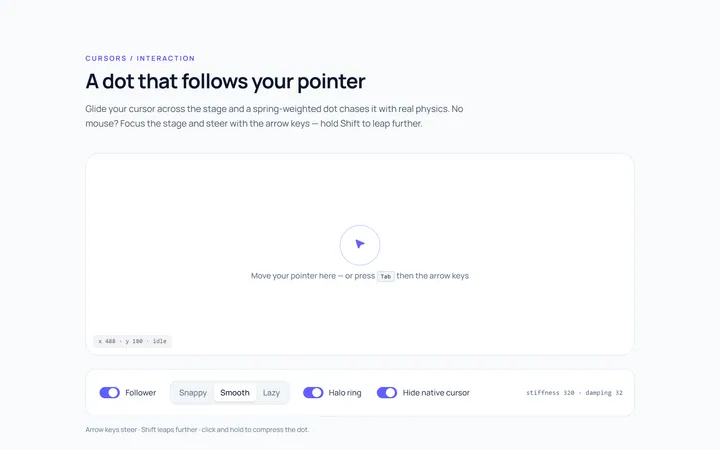
Dot Follow Cursor
Originaldot cursor follower
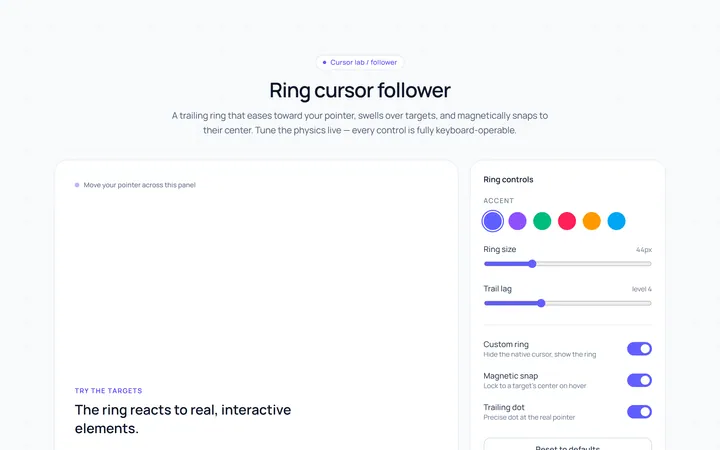
Ring Cursor
Originalring cursor follower
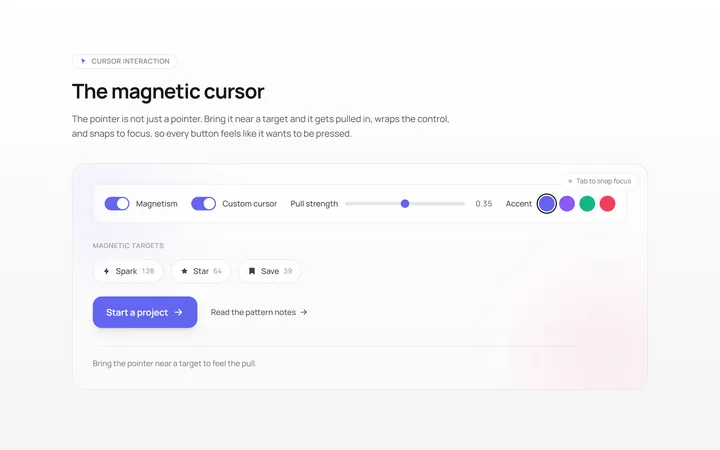
Magnetic Cursor
Originalmagnetic cursor on targets
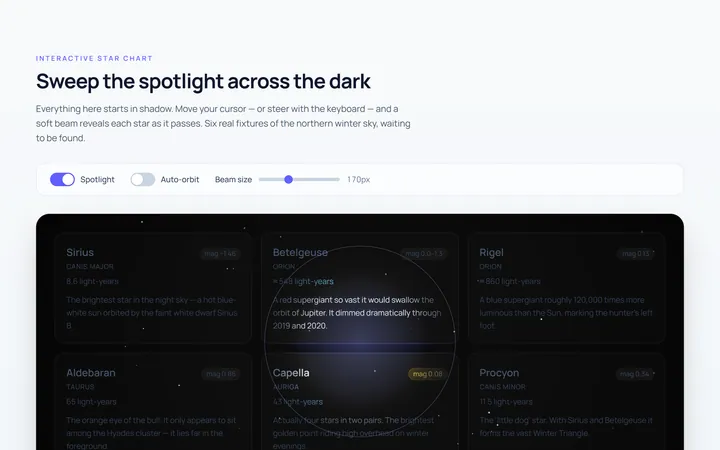
Spotlight Cursor
Originalcursor spotlight mask
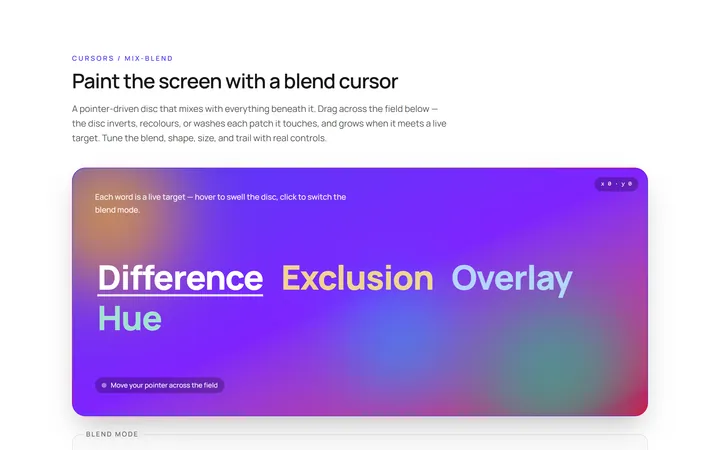
Blend Cursor
Originalmix-blend cursor
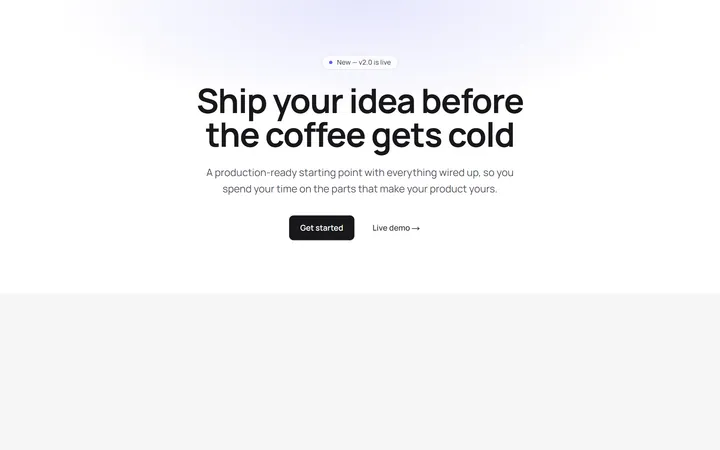
Spotlight Hero
OriginalA centred hero with a soft radial spotlight, badge and dual call-to-action.
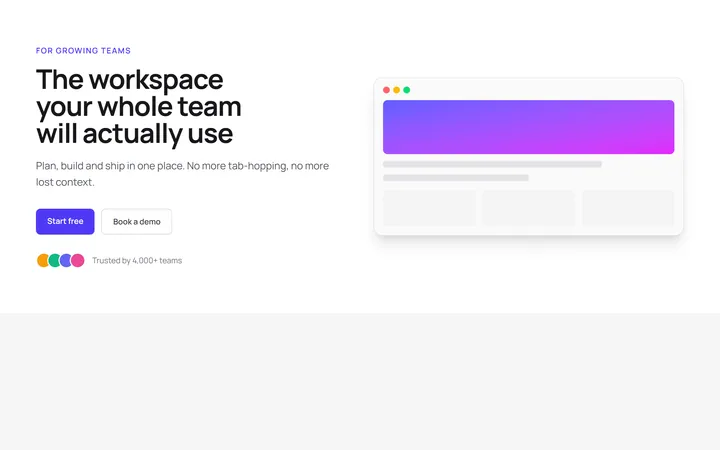
Split Hero
OriginalA two-column hero pairing a headline and CTAs with a product mock and social proof.
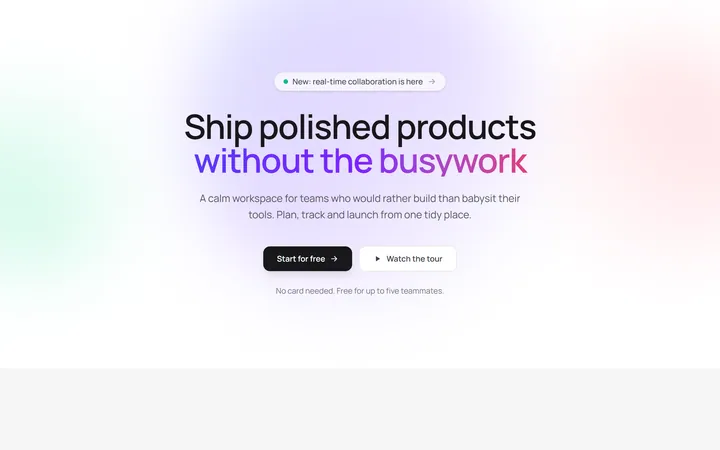
Gradient Spotlight Hero
OriginalA minimal centred hero with a soft gradient-mesh backdrop, announcement pill and dual call-to-action buttons.
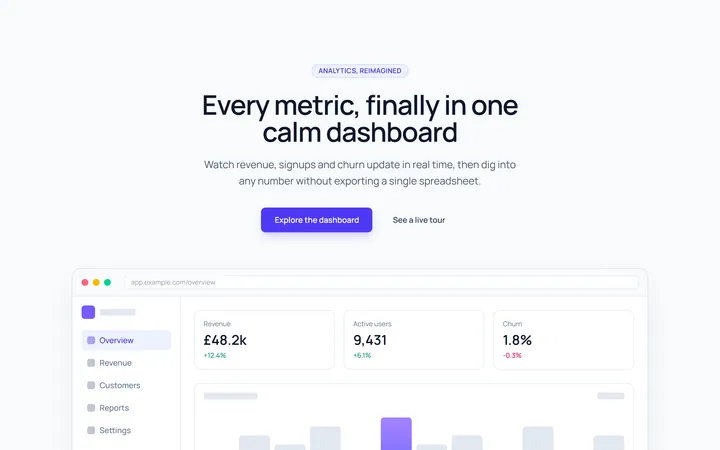
App Preview Hero
OriginalA centred hero that pairs headline copy with a realistic product dashboard mock built entirely from markup, complete with browser chrome and a floating notification card.
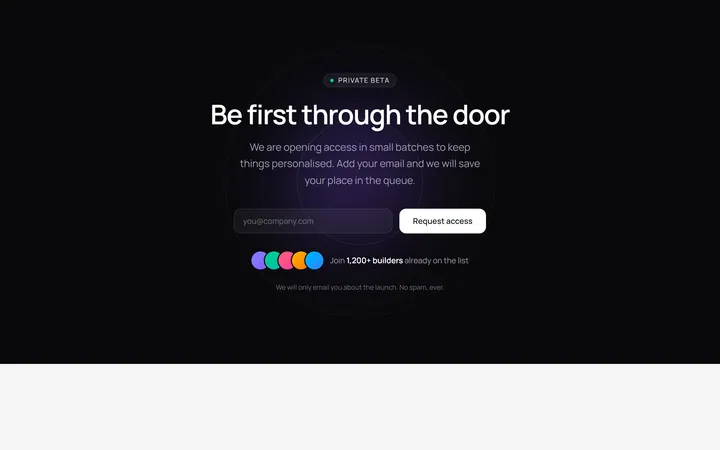
Waitlist Capture Hero
OriginalA dark, focused hero with an inline email capture form and avatar social proof, ready for pre-launch waitlists.
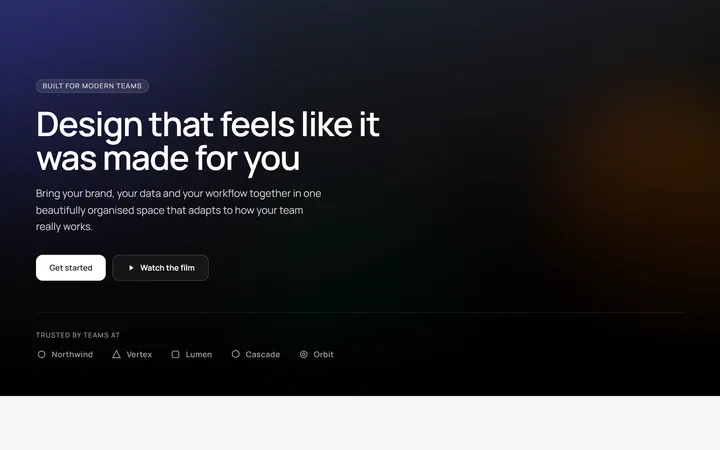
Image Backdrop Hero
OriginalA cinematic full-bleed hero with a layered image-style backdrop, overlaid left-aligned copy and a trusted-by logos strip.
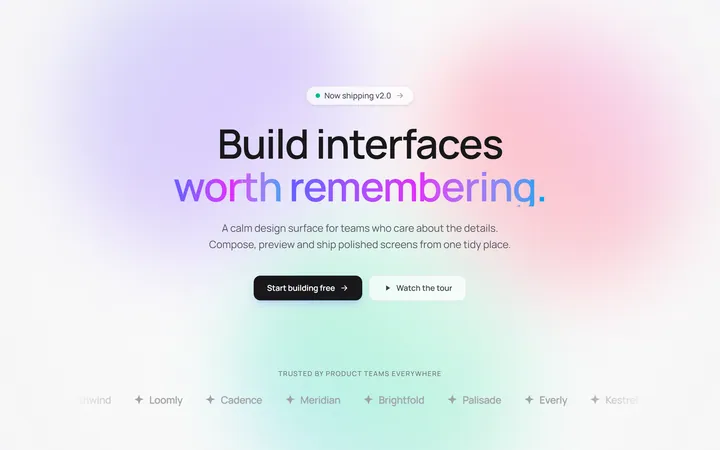
Gradient Mesh Hero with Staggered Text Reveal
OriginalA full-screen hero pairing a drifting animated gradient-mesh backdrop with a word-by-word staggered blur-in headline and a logo marquee under the fold.