

Glitch Text Effect
Original · freeglitch text effect
Copy prompt gives Claude Code, Cursor or v0 a ready-to-paste prompt that recreates this exact component.
npx shadcn@latest add https://webinnoventix.com/r/txfx-glitch.json"use client";
import {
useCallback,
useEffect,
useRef,
useState,
type CSSProperties,
} from "react";
import { motion, useReducedMotion } from "motion/react";
type StyleVars = CSSProperties & Record<`--${string}`, string>;
const MODES = [
{ value: "always", label: "Always" },
{ value: "hover", label: "Hover / focus" },
{ value: "static", label: "Static" },
] as const;
type Mode = (typeof MODES)[number]["value"];
const KEYFRAMES = `
@keyframes txfxg-slice-a {
0% { clip-path: inset(0 0 100% 0); transform: translate3d(calc(var(--txfxg-amp) * -1), 0, 0); }
10% { clip-path: inset(12% 0 74% 0); transform: translate3d(calc(var(--txfxg-amp) * -1), 0, 0); }
20% { clip-path: inset(68% 0 12% 0); transform: translate3d(calc(var(--txfxg-amp) * 1), 0, 0); }
30% { clip-path: inset(34% 0 48% 0); transform: translate3d(calc(var(--txfxg-amp) * -1.4), 0, 0); }
40% { clip-path: inset(84% 0 4% 0); transform: translate3d(calc(var(--txfxg-amp) * 1), 0, 0); }
50% { clip-path: inset(4% 0 82% 0); transform: translate3d(calc(var(--txfxg-amp) * -1), 0, 0); }
60% { clip-path: inset(50% 0 30% 0); transform: translate3d(calc(var(--txfxg-amp) * 1.3), 0, 0); }
70% { clip-path: inset(24% 0 60% 0); transform: translate3d(calc(var(--txfxg-amp) * -1), 0, 0); }
80% { clip-path: inset(72% 0 14% 0); transform: translate3d(calc(var(--txfxg-amp) * 1), 0, 0); }
90% { clip-path: inset(40% 0 40% 0); transform: translate3d(calc(var(--txfxg-amp) * -1), 0, 0); }
100% { clip-path: inset(0 0 100% 0); transform: translate3d(calc(var(--txfxg-amp) * -1), 0, 0); }
}
@keyframes txfxg-slice-b {
0% { clip-path: inset(0 0 100% 0); transform: translate3d(calc(var(--txfxg-amp) * 1), 0, 0); }
10% { clip-path: inset(60% 0 24% 0); transform: translate3d(calc(var(--txfxg-amp) * 1.4), 0, 0); }
20% { clip-path: inset(20% 0 66% 0); transform: translate3d(calc(var(--txfxg-amp) * -1), 0, 0); }
30% { clip-path: inset(78% 0 8% 0); transform: translate3d(calc(var(--txfxg-amp) * 1), 0, 0); }
40% { clip-path: inset(6% 0 80% 0); transform: translate3d(calc(var(--txfxg-amp) * -1.3), 0, 0); }
50% { clip-path: inset(46% 0 34% 0); transform: translate3d(calc(var(--txfxg-amp) * 1), 0, 0); }
60% { clip-path: inset(30% 0 54% 0); transform: translate3d(calc(var(--txfxg-amp) * -1), 0, 0); }
70% { clip-path: inset(84% 0 4% 0); transform: translate3d(calc(var(--txfxg-amp) * 1.2), 0, 0); }
80% { clip-path: inset(14% 0 72% 0); transform: translate3d(calc(var(--txfxg-amp) * -1), 0, 0); }
90% { clip-path: inset(56% 0 26% 0); transform: translate3d(calc(var(--txfxg-amp) * 1), 0, 0); }
100% { clip-path: inset(0 0 100% 0); transform: translate3d(calc(var(--txfxg-amp) * 1), 0, 0); }
}
@keyframes txfxg-jitter {
0%, 84%, 100% { transform: translate3d(0,0,0) skewX(0deg); }
86% { transform: translate3d(calc(var(--txfxg-amp) * -1), 0, 0) skewX(-8deg); }
88% { transform: translate3d(calc(var(--txfxg-amp) * 1), 0, 0) skewX(6deg); }
90% { transform: translate3d(calc(var(--txfxg-amp) * -0.6), 0, 0) skewX(-3deg); }
92% { transform: translate3d(0,0,0) skewX(0deg); }
}
@keyframes txfxg-flicker {
0%, 100% { opacity: 1; }
48% { opacity: 1; }
50% { opacity: 0.7; }
52% { opacity: 1; }
70% { opacity: 0.88; }
72% { opacity: 1; }
}
@keyframes txfxg-scan {
0% { transform: translateY(0); }
100% { transform: translateY(4px); }
}
.txfxg-range {
-webkit-appearance: none;
appearance: none;
width: 100%;
height: 6px;
border-radius: 9999px;
outline: none;
}
.txfxg-range::-webkit-slider-thumb {
-webkit-appearance: none;
appearance: none;
height: 20px;
width: 20px;
margin-top: -1px;
border-radius: 9999px;
background: rgb(124 58 237);
border: 3px solid #fff;
box-shadow: 0 1px 4px rgba(0,0,0,0.35);
cursor: pointer;
transition: box-shadow 0.15s ease;
}
.txfxg-range::-moz-range-thumb {
height: 16px;
width: 16px;
border-radius: 9999px;
background: rgb(124 58 237);
border: 3px solid #fff;
box-shadow: 0 1px 4px rgba(0,0,0,0.35);
cursor: pointer;
}
.txfxg-range:focus-visible::-webkit-slider-thumb {
box-shadow: 0 0 0 5px rgba(124,58,237,0.4);
}
.txfxg-range:focus-visible::-moz-range-thumb {
box-shadow: 0 0 0 5px rgba(124,58,237,0.4);
}
@media (prefers-reduced-motion: reduce) {
.txfxg-slice-a, .txfxg-slice-b, .txfxg-jitter, .txfxg-flicker, .txfxg-scanline {
animation: none !important;
}
}
`;
export default function TxfxGlitch() {
const reduce = useReducedMotion();
const [text, setText] = useState("SIGNAL LOST");
const [intensity, setIntensity] = useState(60);
const [mode, setMode] = useState<Mode>("always");
const [hovered, setHovered] = useState(false);
const [focused, setFocused] = useState(false);
const [burst, setBurst] = useState(false);
const burstTimer = useRef<ReturnType<typeof setTimeout> | null>(null);
useEffect(() => {
return () => {
if (burstTimer.current !== null) clearTimeout(burstTimer.current);
};
}, []);
const triggerBurst = useCallback(() => {
if (burstTimer.current !== null) clearTimeout(burstTimer.current);
setBurst(true);
burstTimer.current = setTimeout(() => setBurst(false), 720);
}, []);
const interacting = hovered || focused;
const isGlitching =
mode === "always" || (mode === "hover" && interacting) || burst;
const animate = isGlitching && !reduce;
const animateBase = animate;
const display = text.trim().length > 0 ? text : "SIGNAL LOST";
const baseAmp = 1 + (intensity / 100) * 3.5;
const amp = burst ? baseAmp * 1.9 : baseAmp;
const baseDur = 2.6 - (intensity / 100) * 1.7;
const dur = burst ? Math.max(0.34, baseDur * 0.42) : baseDur;
const level =
intensity < 34 ? "Low" : intensity < 67 ? "Medium" : "Severe";
const modeLabel = MODES.find((m) => m.value === mode)?.label ?? "";
const stageStyle: StyleVars = {
"--txfxg-amp": `${amp}px`,
"--txfxg-dur": `${dur}s`,
};
const containerStyle: CSSProperties = {
animation: animate ? "txfxg-jitter var(--txfxg-dur) linear infinite" : undefined,
};
const baseStyle: CSSProperties = {
animation: animateBase ? "txfxg-flicker 3.2s steps(30) infinite" : undefined,
};
const roseStyle: CSSProperties = {
animation: animate ? "txfxg-slice-a var(--txfxg-dur) linear infinite" : undefined,
opacity: isGlitching ? (reduce ? 0.55 : 0.95) : 0,
transform: !animate && isGlitching ? "translate3d(2px,-1px,0)" : undefined,
};
const skyStyle: CSSProperties = {
animation: animate ? "txfxg-slice-b var(--txfxg-dur) linear infinite" : undefined,
opacity: isGlitching ? (reduce ? 0.55 : 0.95) : 0,
transform: !animate && isGlitching ? "translate3d(-2px,1px,0)" : undefined,
};
const rangeStyle: CSSProperties = {
background: `linear-gradient(90deg, rgb(124 58 237) 0%, rgb(124 58 237) ${intensity}%, rgba(148 163 184 / 0.35) ${intensity}%, rgba(148 163 184 / 0.35) 100%)`,
};
const rise = reduce
? {}
: {
initial: { opacity: 0, y: 24 },
whileInView: { opacity: 1, y: 0 },
viewport: { once: true, margin: "-80px" },
};
return (
<section className="relative w-full overflow-hidden bg-white px-6 py-20 text-zinc-900 sm:py-28 dark:bg-zinc-950 dark:text-zinc-100">
<style dangerouslySetInnerHTML={{ __html: KEYFRAMES }} />
{/* atmospheric backdrop */}
<div
aria-hidden="true"
className="pointer-events-none absolute inset-0 bg-[radial-gradient(60%_50%_at_50%_0%,rgba(124,58,237,0.08),transparent_70%)] dark:bg-[radial-gradient(60%_50%_at_50%_0%,rgba(124,58,237,0.22),transparent_70%)]"
/>
<div className="relative mx-auto max-w-4xl">
<motion.header {...rise} transition={{ duration: 0.5, ease: "easeOut" }}>
<span className="inline-flex items-center gap-2 rounded-full border border-zinc-200 bg-zinc-50 px-3 py-1 font-mono text-xs uppercase tracking-[0.2em] text-violet-700 dark:border-zinc-800 dark:bg-zinc-900 dark:text-violet-300">
<svg
aria-hidden="true"
viewBox="0 0 24 24"
className="h-3.5 w-3.5"
fill="none"
stroke="currentColor"
strokeWidth="2"
strokeLinecap="round"
strokeLinejoin="round"
>
<path d="M3 12h3l2-6 4 14 3-9 2 4h4" />
</svg>
Text effects
</span>
<h2 className="mt-5 text-3xl font-black tracking-tight sm:text-4xl">
Glitch text engine
</h2>
<p className="mt-3 max-w-2xl text-base leading-relaxed text-zinc-600 dark:text-zinc-400">
Type a phrase, dial the corruption, and watch the color channels
tear apart. Every layer is real DOM — accessible controls
drive a pure-CSS RGB split with scanline interference.
</p>
</motion.header>
{/* preview stage */}
<motion.div
{...rise}
transition={{ duration: 0.5, ease: "easeOut", delay: reduce ? 0 : 0.08 }}
className="group mt-10"
>
<div
tabIndex={0}
role="img"
aria-label={`Glitch text preview reading "${display}". Corruption level ${level}. Trigger mode ${modeLabel}.`}
onMouseEnter={() => setHovered(true)}
onMouseLeave={() => setHovered(false)}
onFocus={() => setFocused(true)}
onBlur={() => setFocused(false)}
style={stageStyle}
className="relative flex min-h-[220px] items-center justify-center overflow-hidden rounded-3xl border border-zinc-200 bg-zinc-100 px-6 py-16 outline-none focus-visible:ring-2 focus-visible:ring-violet-500 focus-visible:ring-offset-2 focus-visible:ring-offset-white sm:min-h-[280px] dark:border-zinc-800 dark:bg-zinc-900/70 dark:focus-visible:ring-offset-zinc-950"
>
{/* grid texture */}
<div
aria-hidden="true"
className="pointer-events-none absolute inset-0 bg-[linear-gradient(rgba(100,116,139,0.12)_1px,transparent_1px),linear-gradient(90deg,rgba(100,116,139,0.12)_1px,transparent_1px)] bg-[size:32px_32px] opacity-60"
/>
{/* glitch text */}
<span
style={containerStyle}
className="txfxg-jitter relative inline-block select-none text-center font-mono text-5xl font-black uppercase leading-none tracking-tight [overflow-wrap:anywhere] sm:text-6xl md:text-7xl"
>
<span
style={baseStyle}
className="txfxg-flicker relative z-10 block text-zinc-900 dark:text-zinc-50"
>
{display}
</span>
<span
aria-hidden="true"
style={roseStyle}
className="txfxg-slice-a absolute inset-0 z-20 text-rose-500 mix-blend-multiply dark:mix-blend-screen"
>
{display}
</span>
<span
aria-hidden="true"
style={skyStyle}
className="txfxg-slice-b absolute inset-0 z-20 text-sky-400 mix-blend-multiply dark:mix-blend-screen"
>
{display}
</span>
</span>
{/* scanline interference */}
<div
aria-hidden="true"
className="txfxg-scanline pointer-events-none absolute inset-[-4px] opacity-[0.18] mix-blend-multiply [animation:txfxg-scan_0.5s_steps(4)_infinite] bg-[repeating-linear-gradient(0deg,rgba(15,23,42,0.9)_0,rgba(15,23,42,0.9)_1px,transparent_1px,transparent_4px)] dark:opacity-[0.22] dark:mix-blend-screen dark:bg-[repeating-linear-gradient(0deg,rgba(226,232,240,0.9)_0,rgba(226,232,240,0.9)_1px,transparent_1px,transparent_4px)]"
/>
{/* corner readout */}
<span className="pointer-events-none absolute bottom-3 right-4 font-mono text-[10px] uppercase tracking-[0.25em] text-zinc-400 dark:text-zinc-600">
ch.rgb // {String(intensity).padStart(3, "0")}
</span>
</div>
</motion.div>
{/* controls */}
<motion.div
{...rise}
transition={{ duration: 0.5, ease: "easeOut", delay: reduce ? 0 : 0.16 }}
className="mt-8 rounded-3xl border border-zinc-200 bg-white/70 p-6 backdrop-blur sm:p-8 dark:border-zinc-800 dark:bg-zinc-900/50"
>
<div className="grid grid-cols-1 gap-7">
{/* text input */}
<div>
<label
htmlFor="txfxg-text"
className="mb-2 block font-mono text-xs font-semibold uppercase tracking-[0.15em] text-zinc-500 dark:text-zinc-400"
>
Display text
</label>
<input
id="txfxg-text"
type="text"
value={text}
maxLength={24}
onChange={(e) => setText(e.target.value)}
placeholder="SIGNAL LOST"
autoComplete="off"
spellCheck={false}
className="w-full rounded-xl border border-zinc-300 bg-white px-4 py-3 font-mono text-sm uppercase tracking-wide text-zinc-900 placeholder:text-zinc-400 focus-visible:border-violet-500 focus-visible:outline-none focus-visible:ring-2 focus-visible:ring-violet-500/50 dark:border-zinc-700 dark:bg-zinc-950 dark:text-zinc-100 dark:placeholder:text-zinc-600"
/>
<p className="mt-1.5 text-right font-mono text-[11px] text-zinc-400 dark:text-zinc-600">
{text.length}/24
</p>
</div>
<div className="grid grid-cols-1 gap-7 sm:grid-cols-2">
{/* intensity */}
<div>
<div className="mb-3 flex items-baseline justify-between">
<label
htmlFor="txfxg-intensity"
className="font-mono text-xs font-semibold uppercase tracking-[0.15em] text-zinc-500 dark:text-zinc-400"
>
Corruption
</label>
<span className="font-mono text-xs font-bold text-violet-700 dark:text-violet-300">
{level}
</span>
</div>
<input
id="txfxg-intensity"
type="range"
min={0}
max={100}
step={1}
value={intensity}
onChange={(e) => setIntensity(Number(e.target.value))}
aria-valuetext={`${intensity} percent, ${level}`}
style={rangeStyle}
className="txfxg-range mt-2 cursor-pointer"
/>
</div>
{/* mode radio group */}
<fieldset>
<legend className="mb-3 font-mono text-xs font-semibold uppercase tracking-[0.15em] text-zinc-500 dark:text-zinc-400">
Trigger
</legend>
<div className="flex gap-1.5 rounded-xl border border-zinc-200 bg-zinc-100 p-1.5 dark:border-zinc-800 dark:bg-zinc-950">
{MODES.map((m) => (
<label
key={m.value}
className="relative flex-1 cursor-pointer"
>
<input
type="radio"
name="txfxg-mode"
value={m.value}
checked={mode === m.value}
onChange={() => setMode(m.value)}
className="peer sr-only"
/>
<span className="block rounded-lg px-2 py-2 text-center font-mono text-[11px] font-semibold uppercase tracking-wide text-zinc-600 transition-colors peer-checked:bg-violet-600 peer-checked:text-white peer-focus-visible:ring-2 peer-focus-visible:ring-violet-500 peer-focus-visible:ring-offset-2 peer-focus-visible:ring-offset-zinc-100 hover:text-zinc-900 dark:text-zinc-400 dark:hover:text-zinc-100 dark:peer-focus-visible:ring-offset-zinc-950">
{m.label}
</span>
</label>
))}
</div>
</fieldset>
</div>
{/* status + burst */}
<div className="flex flex-wrap items-center justify-between gap-4 border-t border-zinc-200 pt-6 dark:border-zinc-800">
<p
aria-live="polite"
className="font-mono text-xs text-zinc-500 dark:text-zinc-400"
>
<span className="text-zinc-400 dark:text-zinc-600">status:</span>{" "}
<span className="font-semibold text-emerald-600 dark:text-emerald-400">
{isGlitching ? "corrupting" : "stable"}
</span>{" "}
· {level} · {modeLabel}
</p>
<motion.button
type="button"
onClick={triggerBurst}
whileTap={reduce ? undefined : { scale: 0.95 }}
className="inline-flex items-center gap-2 rounded-xl bg-zinc-900 px-5 py-2.5 font-mono text-xs font-bold uppercase tracking-[0.12em] text-white transition-colors hover:bg-violet-600 focus-visible:outline-none focus-visible:ring-2 focus-visible:ring-violet-500 focus-visible:ring-offset-2 focus-visible:ring-offset-white dark:bg-zinc-100 dark:text-zinc-900 dark:hover:bg-violet-500 dark:hover:text-white dark:focus-visible:ring-offset-zinc-950"
>
<svg
aria-hidden="true"
viewBox="0 0 24 24"
className="h-4 w-4"
fill="none"
stroke="currentColor"
strokeWidth="2.5"
strokeLinecap="round"
strokeLinejoin="round"
>
<path d="M13 2 4 14h7l-1 8 9-12h-7l1-8Z" />
</svg>
Glitch burst
</motion.button>
</div>
</div>
</motion.div>
</div>
</section>
);
}Dependencies
Licence
Built by Web Innoventix. Free for personal and commercial use, no attribution required.
Built by Web Innoventix
Need a custom interface, a full website, or SEO that gets you cited by AI? We design, build and rank it end to end.
Get a free quoteSimilar components
Browse all →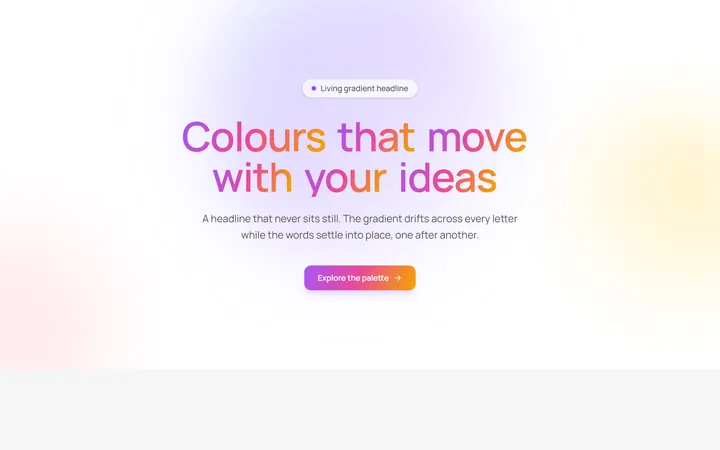
Aurora Gradient Headline
OriginalAn animated headline whose living multi-colour gradient drifts across every letter while the words blur and stagger into place on scroll.
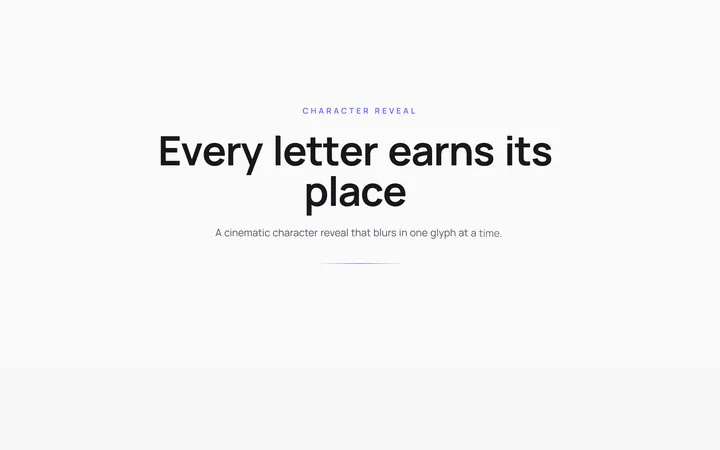
Character Reveal Heading
OriginalA cinematic heading that blurs and lifts in one character at a time with a staggered, scroll-triggered reveal.
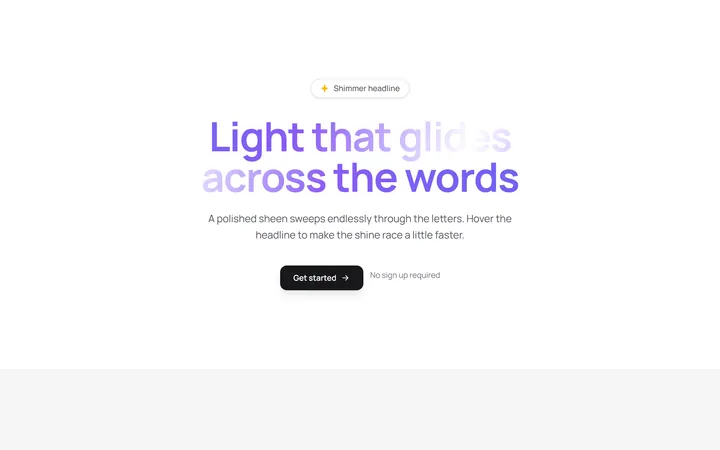
Shimmer Sweep Headline
OriginalA headline with a polished light sheen that glides endlessly across the letters and races faster on hover.
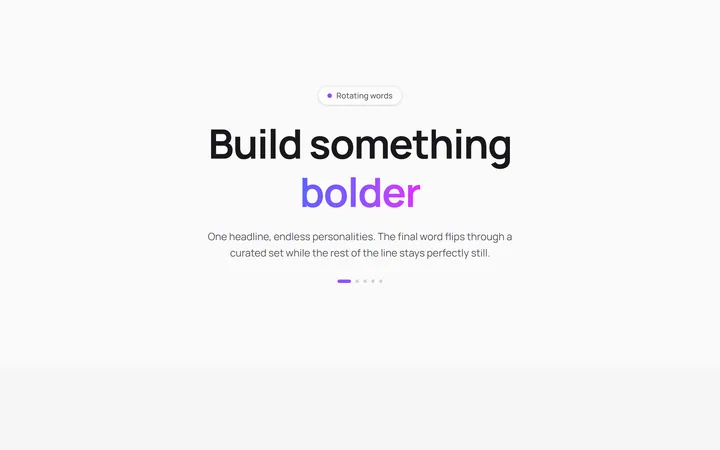
Rotating Words Headline
OriginalA headline whose final word flips through a curated set with a blurred vertical roll while the rest of the line stays perfectly still.
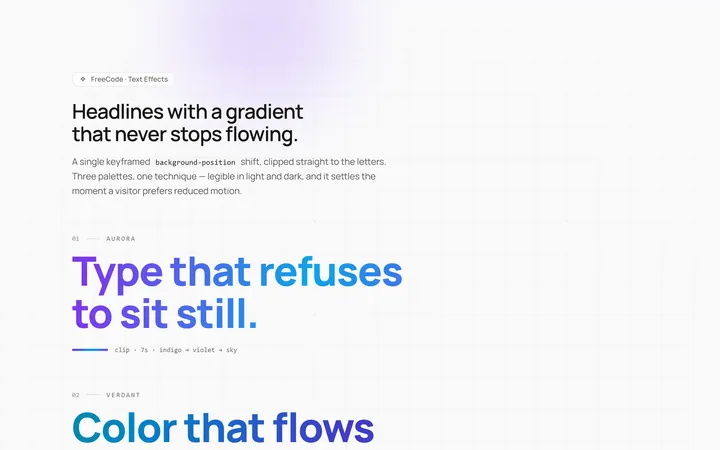
Gradient Animate Text Effect
Originalanimated gradient text
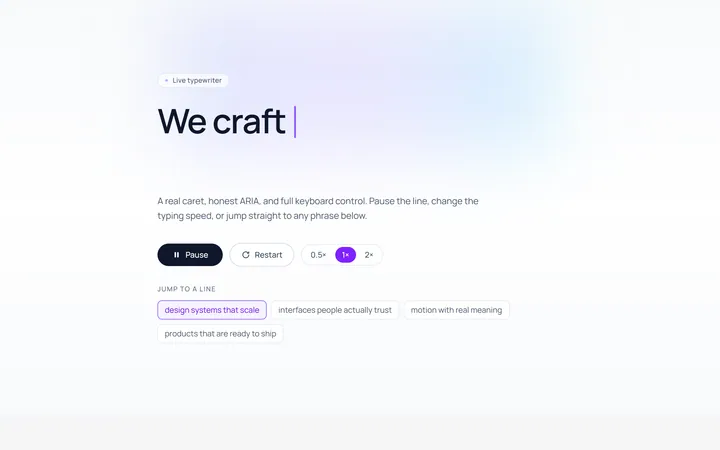
Typing Text Effect
Originaltypewriter text with caret
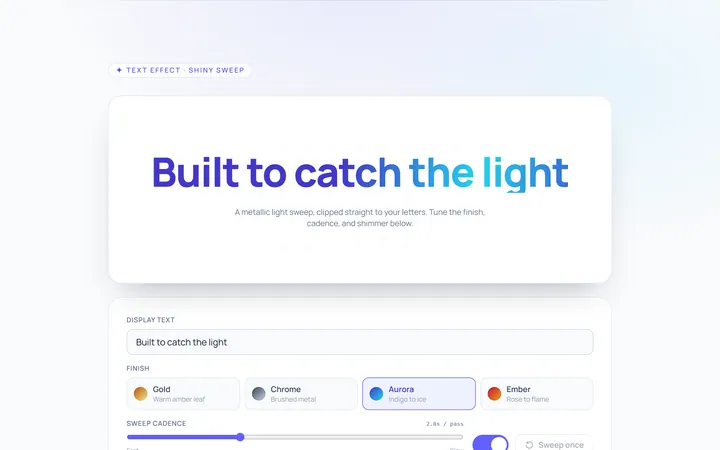
Shiny Text Effect
Originalshiny sweep text
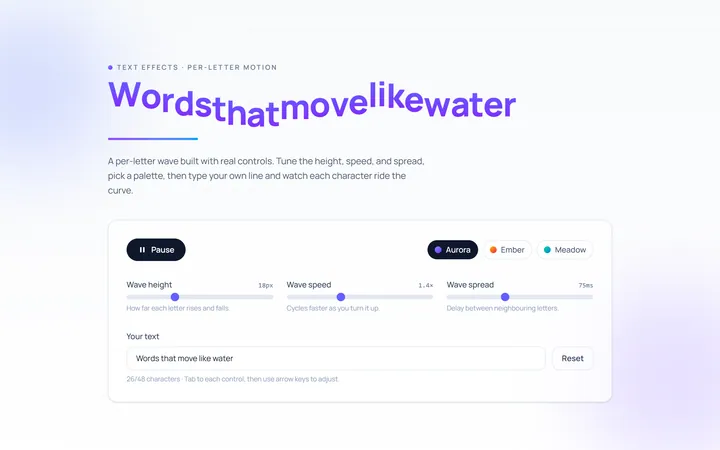
Wave Text Effect
Originalwavy letter animation
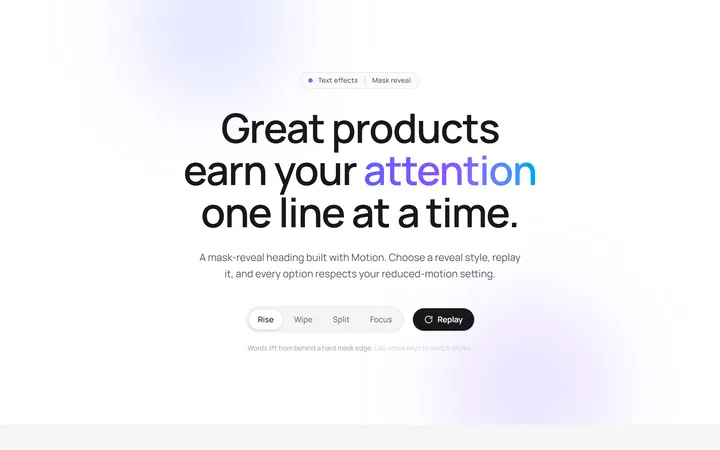
Reveal Mask Text Effect
Originalmask reveal heading
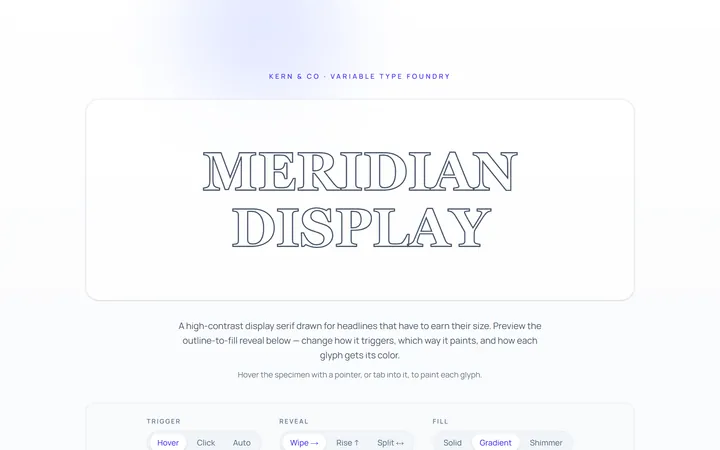
Outline Text Effect
Originaloutline-to-fill text
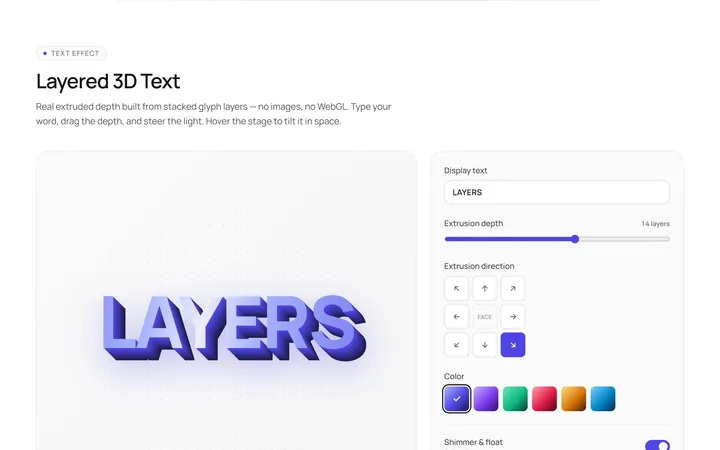
3D Text Effect
Originallayered 3D text
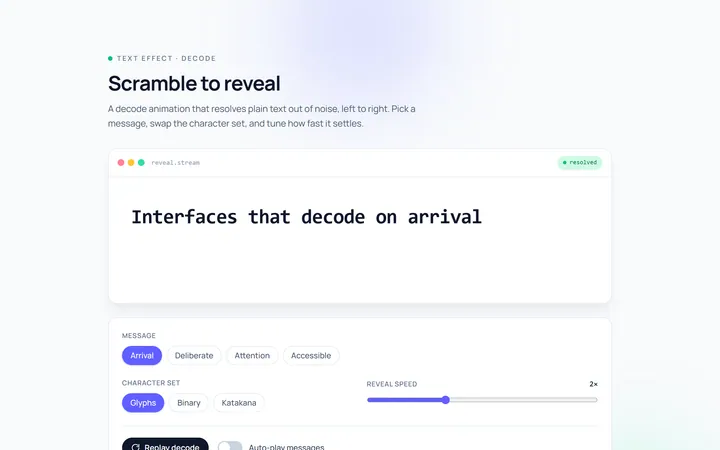
Scramble Text Effect
Originalscramble/decode text