

Scramble Text Effect
Original · freescramble/decode text
Copy prompt gives Claude Code, Cursor or v0 a ready-to-paste prompt that recreates this exact component.
npx shadcn@latest add https://webinnoventix.com/r/txfx-scramble.json"use client";
import {
useCallback,
useEffect,
useRef,
useState,
type KeyboardEvent,
} from "react";
import { useReducedMotion } from "motion/react";
type GlyphSet = "glyphs" | "binary" | "katakana";
type CellState = "idle" | "run" | "done";
type Cell = { ch: string; state: CellState };
type QueueItem = { from: string; to: string; start: number; end: number; char: string };
type Option = { value: string; label: string };
const GLYPHS: Record<GlyphSet, string> = {
glyphs: "!<>-_\\/[]{}=+*^?#%$&~|.:",
binary: "01",
katakana: "アイウエオカキクケコサシスセソタチツテトナニヌネ0123456789",
};
const MESSAGES = [
{ label: "Arrival", text: "Interfaces that decode on arrival" },
{ label: "Deliberate", text: "Every keystroke feels deliberate" },
{ label: "Attention", text: "Motion tuned to human attention" },
{ label: "Accessible", text: "Accessible by construction, not bolted on" },
] as const;
const GLYPH_OPTIONS: readonly Option[] = [
{ value: "glyphs", label: "Glyphs" },
{ value: "binary", label: "Binary" },
{ value: "katakana", label: "Katakana" },
];
const FOCUS_RING =
"focus-visible:outline-none focus-visible:ring-2 focus-visible:ring-indigo-500 focus-visible:ring-offset-2 focus-visible:ring-offset-white dark:focus-visible:ring-offset-slate-900";
function useScramble(reduced: boolean, glyphSet: GlyphSet, speed: number) {
const [cells, setCells] = useState<Cell[]>([]);
const rafRef = useRef<number | null>(null);
const frameRef = useRef(0);
const queueRef = useRef<QueueItem[]>([]);
const resolveRef = useRef<(() => void) | null>(null);
const textRef = useRef("");
const glyphRef = useRef(glyphSet);
const speedRef = useRef(speed);
const reducedRef = useRef(reduced);
useEffect(() => {
glyphRef.current = glyphSet;
}, [glyphSet]);
useEffect(() => {
speedRef.current = speed;
}, [speed]);
useEffect(() => {
reducedRef.current = reduced;
}, [reduced]);
const tick = useCallback(() => {
const queue = queueRef.current;
const frame = frameRef.current;
const set = GLYPHS[glyphRef.current];
const next: Cell[] = [];
let done = 0;
for (let i = 0; i < queue.length; i++) {
const item = queue[i];
if (!item) continue;
if (frame >= item.end) {
done++;
next.push({ ch: item.to, state: "done" });
} else if (frame >= item.start) {
if (item.char === "" || Math.random() < 0.3) {
item.char = set[Math.floor(Math.random() * set.length)] ?? item.to;
}
next.push({ ch: item.char, state: "run" });
} else {
next.push({ ch: item.from === "" ? " " : item.from, state: "idle" });
}
}
setCells(next);
if (done === queue.length) {
rafRef.current = null;
const resolve = resolveRef.current;
resolveRef.current = null;
if (resolve) resolve();
} else {
frameRef.current = frame + Math.max(1, speedRef.current);
rafRef.current = requestAnimationFrame(tick);
}
}, []);
const cancel = useCallback(() => {
if (rafRef.current !== null) {
cancelAnimationFrame(rafRef.current);
rafRef.current = null;
}
resolveRef.current = null;
}, []);
const scramble = useCallback(
(text: string) => {
cancel();
const previous = textRef.current;
textRef.current = text;
if (reducedRef.current) {
setCells(text.split("").map((ch) => ({ ch, state: "done" as CellState })));
return Promise.resolve();
}
const queue: QueueItem[] = text.split("").map((to, i) => {
const start = Math.floor(Math.random() * 28);
return {
from: previous[i] ?? " ",
to,
start,
end: start + 14 + Math.floor(Math.random() * 34),
char: "",
};
});
queueRef.current = queue;
frameRef.current = 0;
return new Promise<void>((resolve) => {
resolveRef.current = resolve;
rafRef.current = requestAnimationFrame(tick);
});
},
[cancel, tick],
);
return { cells, scramble, cancel };
}
function RovingRadioGroup({
label,
options,
value,
onChange,
}: {
label: string;
options: readonly Option[];
value: string;
onChange: (value: string) => void;
}) {
const refs = useRef<(HTMLButtonElement | null)[]>([]);
const idx = options.findIndex((o) => o.value === value);
const select = (target: number) => {
const opt = options[target];
if (!opt) return;
onChange(opt.value);
refs.current[target]?.focus();
};
const handleKey = (e: KeyboardEvent<HTMLButtonElement>) => {
switch (e.key) {
case "ArrowRight":
case "ArrowDown":
e.preventDefault();
select((idx + 1 + options.length) % options.length);
break;
case "ArrowLeft":
case "ArrowUp":
e.preventDefault();
select((idx - 1 + options.length) % options.length);
break;
case "Home":
e.preventDefault();
select(0);
break;
case "End":
e.preventDefault();
select(options.length - 1);
break;
default:
break;
}
};
return (
<div role="radiogroup" aria-label={label} className="flex flex-wrap gap-2">
{options.map((o, i) => {
const checked = o.value === value;
return (
<button
key={o.value}
ref={(el) => {
refs.current[i] = el;
}}
type="button"
role="radio"
aria-checked={checked}
tabIndex={checked || (idx === -1 && i === 0) ? 0 : -1}
onClick={() => onChange(o.value)}
onKeyDown={handleKey}
className={
"rounded-full border px-3.5 py-1.5 text-sm font-medium transition-colors " +
FOCUS_RING +
(checked
? " border-indigo-500 bg-indigo-500 text-white shadow-sm shadow-indigo-500/30"
: " border-slate-200 bg-white text-slate-600 hover:border-slate-300 hover:text-slate-900 dark:border-slate-700 dark:bg-slate-800/60 dark:text-slate-300 dark:hover:border-slate-500 dark:hover:text-white")
}
>
{o.label}
</button>
);
})}
</div>
);
}
export default function TxfxScramble() {
const prefersReduced = useReducedMotion();
const reduced = prefersReduced === true;
const [activeIndex, setActiveIndex] = useState(0);
const [glyphSet, setGlyphSet] = useState<GlyphSet>("glyphs");
const [speed, setSpeed] = useState(2);
const [autoPlay, setAutoPlay] = useState(false);
const [settledToken, setSettledToken] = useState(0);
const [liveText, setLiveText] = useState(MESSAGES[0].text);
const { cells, scramble, cancel } = useScramble(reduced, glyphSet, speed);
const mountedRef = useRef(true);
const activeIndexRef = useRef(activeIndex);
useEffect(() => {
activeIndexRef.current = activeIndex;
}, [activeIndex]);
const runDecode = useCallback(
(text: string) => {
setLiveText(text);
scramble(text).then(() => {
if (mountedRef.current) setSettledToken((t) => t + 1);
});
},
[scramble],
);
useEffect(() => {
const text = MESSAGES[activeIndex]?.text ?? MESSAGES[0].text;
runDecode(text);
}, [activeIndex, runDecode]);
const glyphMounted = useRef(false);
useEffect(() => {
if (!glyphMounted.current) {
glyphMounted.current = true;
return;
}
const text = MESSAGES[activeIndexRef.current]?.text ?? MESSAGES[0].text;
runDecode(text);
}, [glyphSet, runDecode]);
useEffect(() => {
if (!autoPlay) return;
const id = window.setTimeout(() => {
setActiveIndex((i) => (i + 1) % MESSAGES.length);
}, 2400);
return () => window.clearTimeout(id);
}, [autoPlay, settledToken]);
useEffect(() => {
return () => {
mountedRef.current = false;
cancel();
};
}, [cancel]);
const currentText = MESSAGES[activeIndex]?.text ?? MESSAGES[0].text;
const resolving = cells.length > 0 && cells.some((c) => c.state !== "done");
return (
<section className="relative w-full overflow-hidden bg-slate-50 px-4 py-16 dark:bg-slate-950 sm:py-24">
<style>{`
@keyframes txfx-scramble-blink { 0%, 49% { opacity: 1 } 50%, 100% { opacity: 0 } }
@keyframes txfx-scramble-pulse { 0%, 100% { opacity: 1; transform: scale(1) } 50% { opacity: .35; transform: scale(.72) } }
.txfx-scramble-cursor { display: inline-block; margin-left: .06em; transform: translateY(.06em); animation: txfx-scramble-blink 1.05s steps(1) infinite; }
.txfx-scramble-dot { animation: txfx-scramble-pulse 1.6s ease-in-out infinite; }
@media (prefers-reduced-motion: reduce) {
.txfx-scramble-cursor, .txfx-scramble-dot { animation: none !important; }
}
`}</style>
<div
aria-hidden="true"
className="pointer-events-none absolute -top-24 left-1/2 h-72 w-72 -translate-x-1/2 rounded-full bg-indigo-400/20 blur-3xl dark:bg-indigo-500/20"
/>
<div
aria-hidden="true"
className="pointer-events-none absolute -bottom-24 right-4 h-64 w-64 rounded-full bg-emerald-300/20 blur-3xl dark:bg-emerald-500/10"
/>
<div className="relative mx-auto w-full max-w-4xl">
<div className="flex items-center gap-2">
<span className="txfx-scramble-dot inline-block h-2 w-2 rounded-full bg-emerald-500" />
<span className="text-xs font-semibold uppercase tracking-[0.2em] text-slate-500 dark:text-slate-400">
Text effect · Decode
</span>
</div>
<h2 className="mt-4 text-3xl font-bold tracking-tight text-slate-900 dark:text-white sm:text-4xl">
Scramble to reveal
</h2>
<p className="mt-3 max-w-xl text-base leading-relaxed text-slate-600 dark:text-slate-400">
A decode animation that resolves plain text out of noise, left to right. Pick a message,
swap the character set, and tune how fast it settles.
</p>
<div className="mt-8 overflow-hidden rounded-2xl border border-slate-200 bg-white shadow-xl shadow-slate-900/5 dark:border-slate-800 dark:bg-slate-900/70 dark:shadow-black/30">
<div className="flex items-center gap-3 border-b border-slate-200 px-4 py-3 dark:border-slate-800">
<span className="flex gap-1.5" aria-hidden="true">
<span className="h-3 w-3 rounded-full bg-rose-400/80" />
<span className="h-3 w-3 rounded-full bg-amber-400/80" />
<span className="h-3 w-3 rounded-full bg-emerald-400/80" />
</span>
<span className="font-mono text-xs text-slate-400 dark:text-slate-500">reveal.stream</span>
<span
className={
"ml-auto inline-flex items-center gap-1.5 rounded-full px-2.5 py-1 font-mono text-[11px] font-medium " +
(resolving
? "bg-amber-100 text-amber-700 dark:bg-amber-500/15 dark:text-amber-300"
: "bg-emerald-100 text-emerald-700 dark:bg-emerald-500/15 dark:text-emerald-300")
}
>
<span
className={
"txfx-scramble-dot inline-block h-1.5 w-1.5 rounded-full " +
(resolving ? "bg-amber-500" : "bg-emerald-500")
}
/>
{resolving ? "decoding" : "resolved"}
</span>
</div>
<div className="px-6 py-8 sm:px-10 sm:py-12">
<p
aria-hidden="true"
className="min-h-[6.5rem] whitespace-pre-wrap break-words font-mono text-2xl font-semibold leading-tight tracking-tight sm:min-h-[8rem] sm:text-4xl"
>
{cells.map((cell, i) => (
<span
key={i}
className={
cell.state === "done"
? "text-slate-900 dark:text-slate-100"
: cell.state === "run"
? "text-emerald-500 dark:text-emerald-400"
: "text-slate-300 dark:text-slate-600"
}
>
{cell.ch}
</span>
))}
<span className="txfx-scramble-cursor text-emerald-500 dark:text-emerald-400">▍</span>
</p>
<span className="sr-only" aria-live="polite">
{liveText}
</span>
</div>
</div>
<div className="mt-6 grid gap-6 rounded-2xl border border-slate-200 bg-white p-5 dark:border-slate-800 dark:bg-slate-900/70 sm:p-6">
<div className="grid gap-2.5">
<span className="text-xs font-semibold uppercase tracking-wider text-slate-500 dark:text-slate-400">
Message
</span>
<RovingRadioGroup
label="Message to decode"
options={MESSAGES.map((m, i) => ({ value: String(i), label: m.label }))}
value={String(activeIndex)}
onChange={(v) => setActiveIndex(Number(v))}
/>
</div>
<div className="grid gap-6 sm:grid-cols-2">
<div className="grid gap-2.5">
<span className="text-xs font-semibold uppercase tracking-wider text-slate-500 dark:text-slate-400">
Character set
</span>
<RovingRadioGroup
label="Scramble character set"
options={GLYPH_OPTIONS}
value={glyphSet}
onChange={(v) => setGlyphSet(v as GlyphSet)}
/>
</div>
<div className="grid content-start gap-2.5">
<label
htmlFor="txfx-scramble-speed"
className="flex items-center justify-between text-xs font-semibold uppercase tracking-wider text-slate-500 dark:text-slate-400"
>
<span>Reveal speed</span>
<span className="font-mono text-sm normal-case tracking-normal text-slate-700 dark:text-slate-200">
{speed}×
</span>
</label>
<input
id="txfx-scramble-speed"
type="range"
min={1}
max={4}
step={1}
value={speed}
onChange={(e) => setSpeed(Number(e.target.value))}
className={"w-full accent-indigo-500 " + FOCUS_RING}
/>
</div>
</div>
<div className="flex flex-wrap items-center gap-4 border-t border-slate-200 pt-5 dark:border-slate-800">
<button
type="button"
onClick={() => runDecode(currentText)}
className={
"inline-flex items-center gap-2 rounded-full bg-slate-900 px-4 py-2 text-sm font-semibold text-white transition-colors hover:bg-slate-700 dark:bg-white dark:text-slate-900 dark:hover:bg-slate-200 " +
FOCUS_RING
}
>
<svg
aria-hidden="true"
viewBox="0 0 24 24"
fill="none"
stroke="currentColor"
strokeWidth={2}
strokeLinecap="round"
strokeLinejoin="round"
className="h-4 w-4"
>
<path d="M21 12a9 9 0 1 1-2.64-6.36" />
<path d="M21 3v6h-6" />
</svg>
Replay decode
</button>
<button
type="button"
role="switch"
aria-checked={autoPlay}
onClick={() => setAutoPlay((v) => !v)}
className={"inline-flex items-center gap-3 rounded-full " + FOCUS_RING}
>
<span
className={
"relative inline-block h-6 w-11 rounded-full transition-colors " +
(autoPlay ? "bg-emerald-500" : "bg-slate-300 dark:bg-slate-700")
}
>
<span
className={
"absolute top-0.5 h-5 w-5 rounded-full bg-white shadow transition-all " +
(autoPlay ? "left-[1.375rem]" : "left-0.5")
}
/>
</span>
<span className="text-sm font-medium text-slate-700 dark:text-slate-200">
Auto-play messages
</span>
</button>
</div>
</div>
</div>
</section>
);
}Dependencies
Licence
Built by Web Innoventix. Free for personal and commercial use, no attribution required.
Built by Web Innoventix
Need a custom interface, a full website, or SEO that gets you cited by AI? We design, build and rank it end to end.
Get a free quoteSimilar components
Browse all →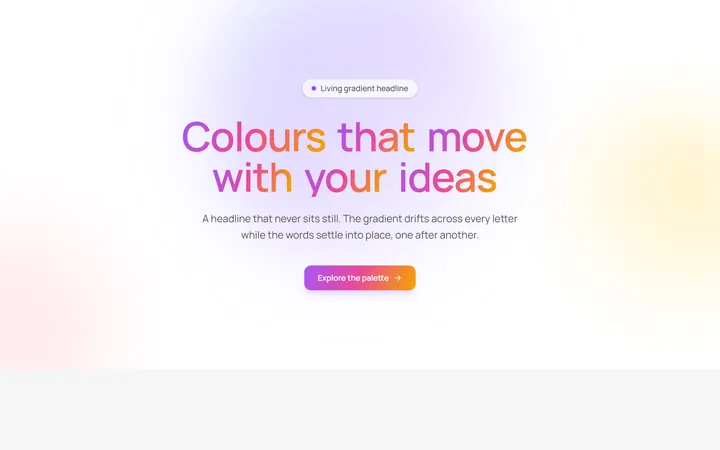
Aurora Gradient Headline
OriginalAn animated headline whose living multi-colour gradient drifts across every letter while the words blur and stagger into place on scroll.
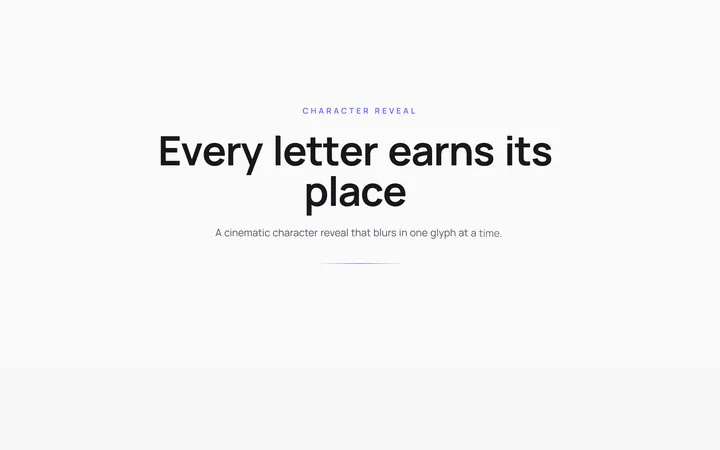
Character Reveal Heading
OriginalA cinematic heading that blurs and lifts in one character at a time with a staggered, scroll-triggered reveal.
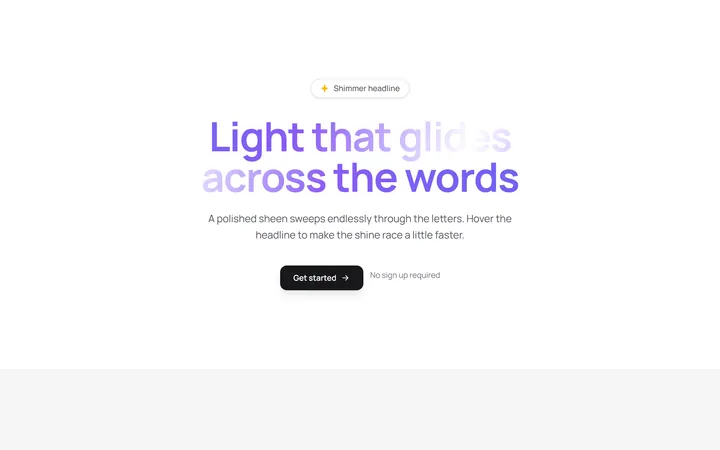
Shimmer Sweep Headline
OriginalA headline with a polished light sheen that glides endlessly across the letters and races faster on hover.
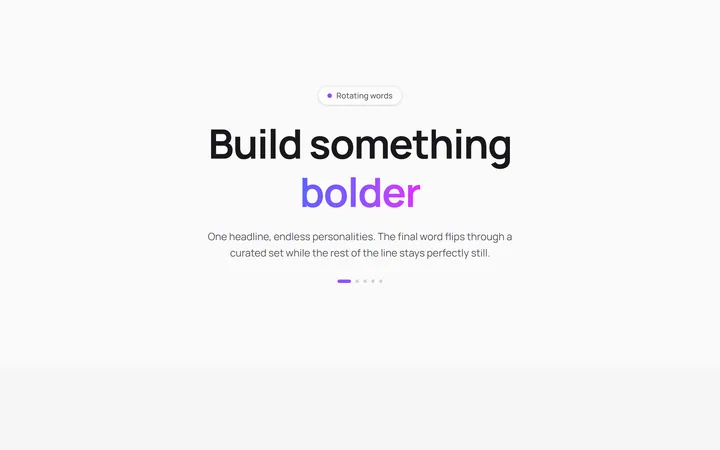
Rotating Words Headline
OriginalA headline whose final word flips through a curated set with a blurred vertical roll while the rest of the line stays perfectly still.
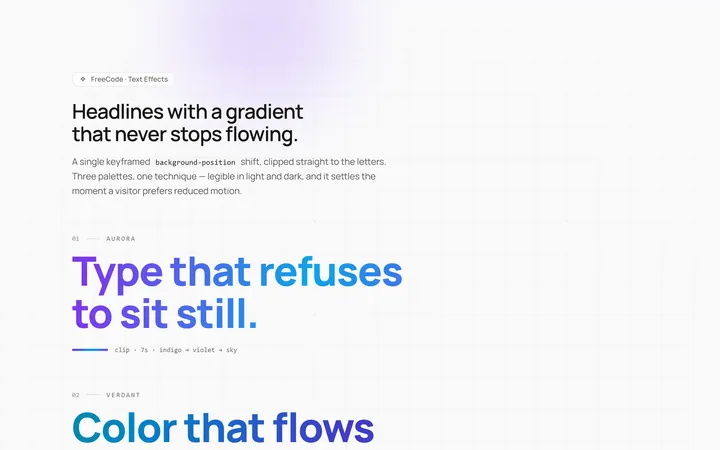
Gradient Animate Text Effect
Originalanimated gradient text
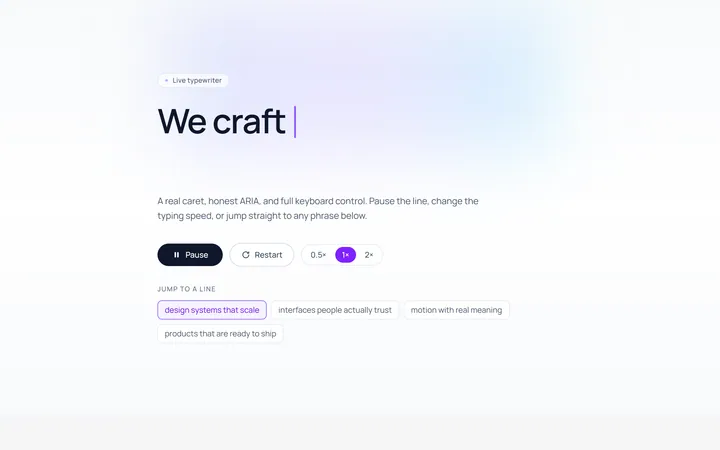
Typing Text Effect
Originaltypewriter text with caret
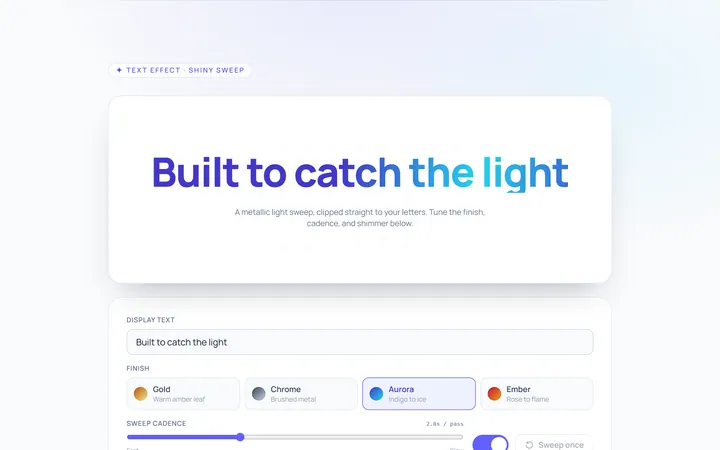
Shiny Text Effect
Originalshiny sweep text
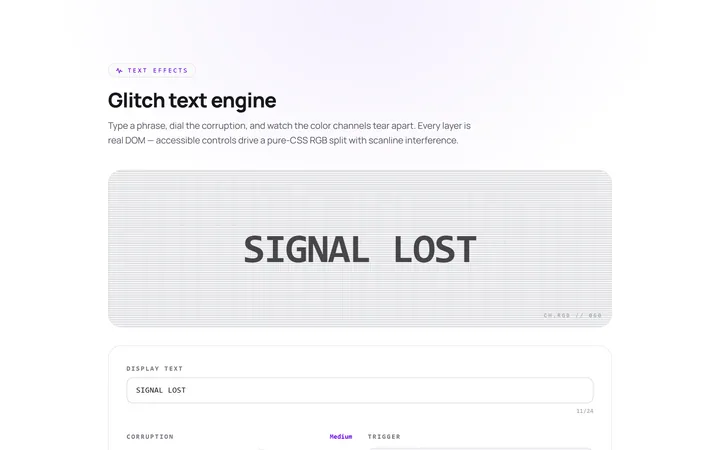
Glitch Text Effect
Originalglitch text effect
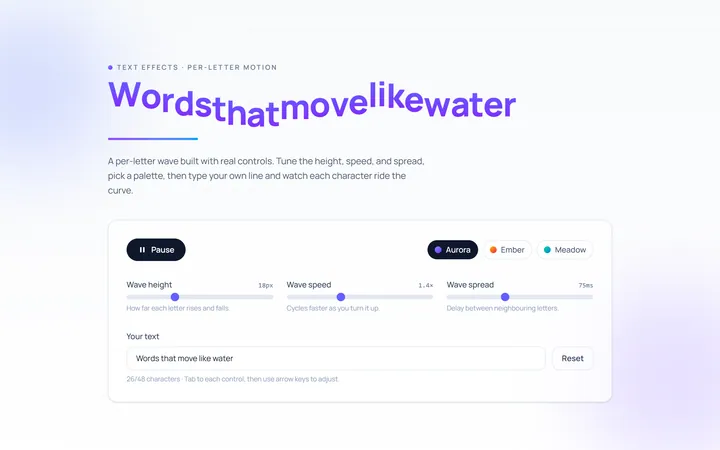
Wave Text Effect
Originalwavy letter animation
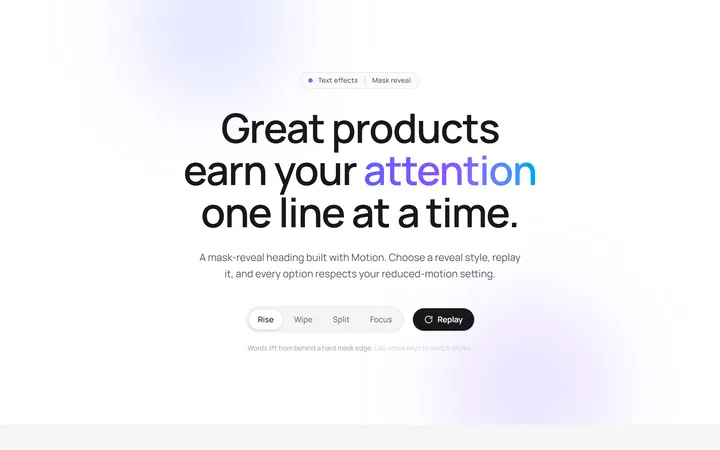
Reveal Mask Text Effect
Originalmask reveal heading
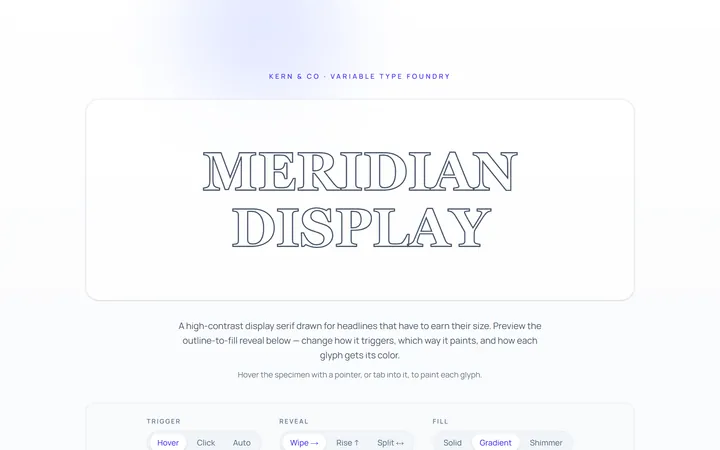
Outline Text Effect
Originaloutline-to-fill text
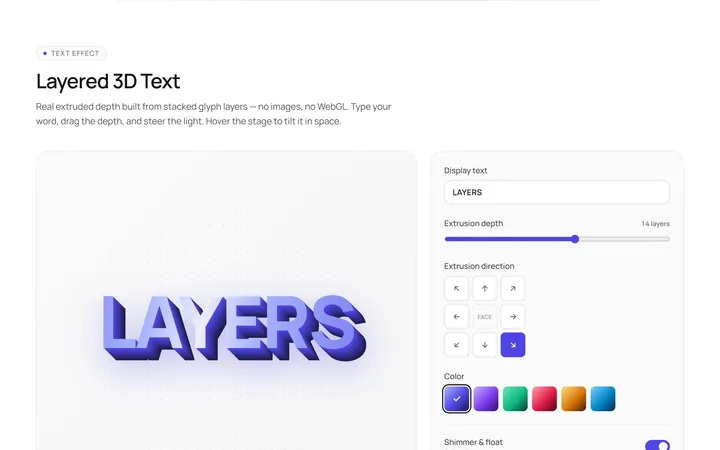
3D Text Effect
Originallayered 3D text