

Typing Text Effect
Original · freetypewriter text with caret
Copy prompt gives Claude Code, Cursor or v0 a ready-to-paste prompt that recreates this exact component.
npx shadcn@latest add https://webinnoventix.com/r/txfx-typing.json"use client";
import { useEffect, useRef, useState, type KeyboardEvent } from "react";
import { useReducedMotion } from "motion/react";
const PREFIX = "We craft ";
const PHRASES = [
"design systems that scale.",
"interfaces people actually trust.",
"motion with real meaning.",
"products that are ready to ship.",
] as const;
const SPEEDS = [0.5, 1, 2] as const;
const TYPE_MS = 62;
const DELETE_MS = 30;
const HOLD_MS = 1500;
const GAP_MS = 420;
type Mode = "typing" | "deleting";
function PlayGlyph() {
return (
<svg viewBox="0 0 24 24" aria-hidden="true" className="h-4 w-4">
<path d="M8 5.5v13a1 1 0 0 0 1.53.85l10-6.5a1 1 0 0 0 0-1.7l-10-6.5A1 1 0 0 0 8 5.5Z" fill="currentColor" />
</svg>
);
}
function PauseGlyph() {
return (
<svg viewBox="0 0 24 24" aria-hidden="true" className="h-4 w-4">
<rect x="6.5" y="5" width="4" height="14" rx="1.2" fill="currentColor" />
<rect x="13.5" y="5" width="4" height="14" rx="1.2" fill="currentColor" />
</svg>
);
}
function RestartGlyph() {
return (
<svg viewBox="0 0 24 24" aria-hidden="true" className="h-4 w-4" fill="none">
<path
d="M20 12a8 8 0 1 1-2.6-5.9"
stroke="currentColor"
strokeWidth="2"
strokeLinecap="round"
/>
<path d="M20 4v4h-4" stroke="currentColor" strokeWidth="2" strokeLinecap="round" strokeLinejoin="round" />
</svg>
);
}
export default function TxfxTyping() {
const reduce = useReducedMotion();
const prefersReduced = reduce === true;
const [phraseIndex, setPhraseIndex] = useState(0);
const [charCount, setCharCount] = useState(0);
const [mode, setMode] = useState<Mode>("typing");
const [isPlaying, setIsPlaying] = useState(true);
const [speed, setSpeed] = useState<number>(1);
const speedRefs = useRef<Array<HTMLButtonElement | null>>([]);
const currentPhrase = PHRASES[phraseIndex];
const fullSentence = `${PREFIX}${currentPhrase}`;
const typed = prefersReduced ? currentPhrase : currentPhrase.slice(0, charCount);
useEffect(() => {
if (prefersReduced || !isPlaying) return;
let delay: number;
let action: () => void;
if (mode === "typing") {
if (charCount < currentPhrase.length) {
delay = TYPE_MS / speed;
action = () => setCharCount((c) => c + 1);
} else {
delay = HOLD_MS / speed;
action = () => setMode("deleting");
}
} else {
if (charCount > 0) {
delay = DELETE_MS / speed;
action = () => setCharCount((c) => c - 1);
} else {
delay = GAP_MS / speed;
action = () => {
setPhraseIndex((i) => (i + 1) % PHRASES.length);
setMode("typing");
};
}
}
const id = window.setTimeout(action, delay);
return () => window.clearTimeout(id);
}, [charCount, mode, phraseIndex, isPlaying, speed, prefersReduced, currentPhrase.length]);
function togglePlay() {
setIsPlaying((p) => !p);
}
function restart() {
setPhraseIndex(0);
setCharCount(0);
setMode("typing");
setIsPlaying(true);
}
function selectPhrase(index: number) {
setPhraseIndex(index);
setCharCount(0);
setMode("typing");
setIsPlaying(true);
}
function onSpeedKeyDown(event: KeyboardEvent<HTMLButtonElement>, index: number) {
let next = index;
if (event.key === "ArrowRight" || event.key === "ArrowDown") {
next = (index + 1) % SPEEDS.length;
} else if (event.key === "ArrowLeft" || event.key === "ArrowUp") {
next = (index - 1 + SPEEDS.length) % SPEEDS.length;
} else if (event.key === "Home") {
next = 0;
} else if (event.key === "End") {
next = SPEEDS.length - 1;
} else {
return;
}
event.preventDefault();
setSpeed(SPEEDS[next]);
speedRefs.current[next]?.focus();
}
const ringBase =
"focus-visible:outline-none focus-visible:ring-2 focus-visible:ring-violet-500 focus-visible:ring-offset-2 focus-visible:ring-offset-white dark:focus-visible:ring-offset-slate-950";
return (
<section className="relative w-full overflow-hidden bg-gradient-to-b from-slate-50 via-white to-slate-50 py-24 sm:py-32 dark:from-slate-950 dark:via-slate-950 dark:to-slate-900">
<style>{`
@keyframes txfxTypingBlink {
0%, 45% { opacity: 1; }
50%, 95% { opacity: 0; }
100% { opacity: 1; }
}
@keyframes txfxTypingPulse {
0%, 100% { opacity: 1; transform: scale(1); }
50% { opacity: 0.35; transform: scale(0.7); }
}
.txfx-typing-caret {
animation: txfxTypingBlink 1.05s steps(1, end) infinite;
}
.txfx-typing-dot {
animation: txfxTypingPulse 2.4s ease-in-out infinite;
}
@media (prefers-reduced-motion: reduce) {
.txfx-typing-caret { animation: none; opacity: 1; }
.txfx-typing-dot { animation: none; }
}
`}</style>
<div
aria-hidden="true"
className="pointer-events-none absolute inset-x-0 top-4 z-0 mx-auto h-64 max-w-2xl bg-gradient-to-r from-indigo-300/30 via-violet-300/30 to-sky-300/30 blur-3xl dark:from-indigo-500/20 dark:via-violet-500/20 dark:to-sky-500/20"
/>
<div className="relative z-10 mx-auto max-w-3xl px-6">
<span className="inline-flex items-center gap-2 rounded-full border border-slate-200 bg-white/70 px-3 py-1 text-xs font-medium tracking-wide text-slate-600 backdrop-blur dark:border-slate-800 dark:bg-slate-900/60 dark:text-slate-300">
<span className="txfx-typing-dot h-1.5 w-1.5 rounded-full bg-violet-500 dark:bg-violet-400" />
Live typewriter
</span>
<h1
aria-label={fullSentence}
className="mt-6 min-h-[2.6em] text-4xl font-semibold leading-[1.15] tracking-tight text-slate-900 sm:min-h-[2.4em] sm:text-6xl dark:text-white"
>
<span aria-hidden="true">
{PREFIX}
<span className="bg-gradient-to-r from-indigo-600 via-violet-600 to-sky-600 bg-clip-text text-transparent dark:from-indigo-400 dark:via-violet-400 dark:to-sky-400">
{typed}
</span>
<span className="txfx-typing-caret ml-1 inline-block h-[0.95em] w-[3px] translate-y-[0.14em] rounded-full bg-violet-500 dark:bg-violet-400" />
</span>
</h1>
<div className="sr-only" role="status" aria-live="polite">
{fullSentence}
</div>
<p className="mt-5 max-w-xl text-base leading-relaxed text-slate-600 dark:text-slate-400">
A real caret, honest ARIA, and full keyboard control. Pause the line, change the
typing speed, or jump straight to any phrase below.
</p>
<div className="mt-9 flex flex-wrap items-center gap-3">
<button
type="button"
onClick={togglePlay}
aria-label={isPlaying ? "Pause typing" : "Play typing"}
className={`inline-flex min-w-[7.25rem] items-center justify-center gap-2 rounded-full bg-slate-900 px-5 py-2.5 text-sm font-medium text-white transition hover:bg-slate-700 dark:bg-white dark:text-slate-900 dark:hover:bg-slate-200 ${ringBase}`}
>
{isPlaying ? <PauseGlyph /> : <PlayGlyph />}
{isPlaying ? "Pause" : "Play"}
</button>
<button
type="button"
onClick={restart}
aria-label="Restart from the first line"
className={`inline-flex items-center justify-center gap-2 rounded-full border border-slate-300 bg-white px-5 py-2.5 text-sm font-medium text-slate-700 transition hover:border-slate-400 hover:bg-slate-50 dark:border-slate-700 dark:bg-slate-900 dark:text-slate-200 dark:hover:border-slate-600 dark:hover:bg-slate-800 ${ringBase}`}
>
<RestartGlyph />
Restart
</button>
<div
role="radiogroup"
aria-label="Typing speed"
className="inline-flex items-center gap-1 rounded-full border border-slate-200 bg-white/70 p-1 dark:border-slate-800 dark:bg-slate-900/60"
>
{SPEEDS.map((s, i) => {
const active = speed === s;
return (
<button
key={s}
ref={(el) => {
speedRefs.current[i] = el;
}}
type="button"
role="radio"
aria-checked={active}
tabIndex={active ? 0 : -1}
onClick={() => setSpeed(s)}
onKeyDown={(e) => onSpeedKeyDown(e, i)}
className={`rounded-full px-3 py-1 text-sm font-medium transition ${ringBase} ${
active
? "bg-violet-600 text-white dark:bg-violet-500"
: "text-slate-600 hover:text-slate-900 dark:text-slate-400 dark:hover:text-white"
}`}
>
{s}×
</button>
);
})}
</div>
</div>
<div className="mt-8">
<p
id="txfx-typing-jump-label"
className="text-xs font-medium uppercase tracking-widest text-slate-500 dark:text-slate-500"
>
Jump to a line
</p>
<div
role="group"
aria-labelledby="txfx-typing-jump-label"
className="mt-3 flex flex-wrap gap-2"
>
{PHRASES.map((phrase, i) => {
const active = phraseIndex === i;
return (
<button
key={phrase}
type="button"
onClick={() => selectPhrase(i)}
aria-pressed={active}
className={`rounded-lg border px-3 py-1.5 text-sm transition ${ringBase} ${
active
? "border-violet-500 bg-violet-50 text-violet-700 dark:border-violet-500 dark:bg-violet-500/10 dark:text-violet-300"
: "border-slate-200 bg-white text-slate-600 hover:border-slate-300 hover:text-slate-900 dark:border-slate-800 dark:bg-slate-900 dark:text-slate-400 dark:hover:border-slate-700 dark:hover:text-white"
}`}
>
{phrase.replace(/\.$/, "")}
</button>
);
})}
</div>
</div>
</div>
</section>
);
}Dependencies
Licence
Built by Web Innoventix. Free for personal and commercial use, no attribution required.
Built by Web Innoventix
Need a custom interface, a full website, or SEO that gets you cited by AI? We design, build and rank it end to end.
Get a free quoteSimilar components
Browse all →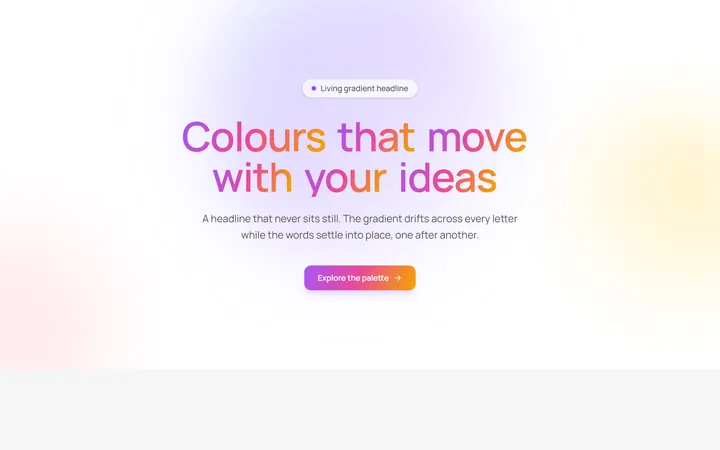
Aurora Gradient Headline
OriginalAn animated headline whose living multi-colour gradient drifts across every letter while the words blur and stagger into place on scroll.
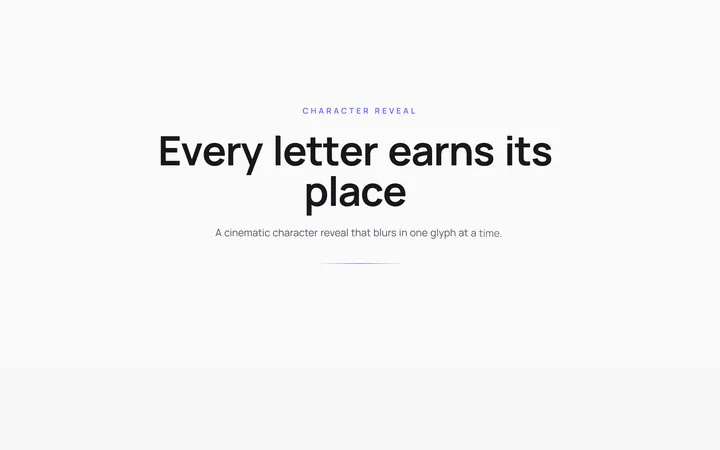
Character Reveal Heading
OriginalA cinematic heading that blurs and lifts in one character at a time with a staggered, scroll-triggered reveal.
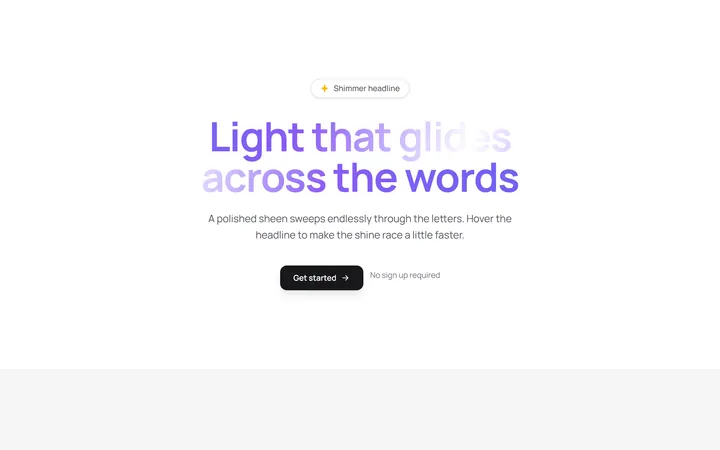
Shimmer Sweep Headline
OriginalA headline with a polished light sheen that glides endlessly across the letters and races faster on hover.
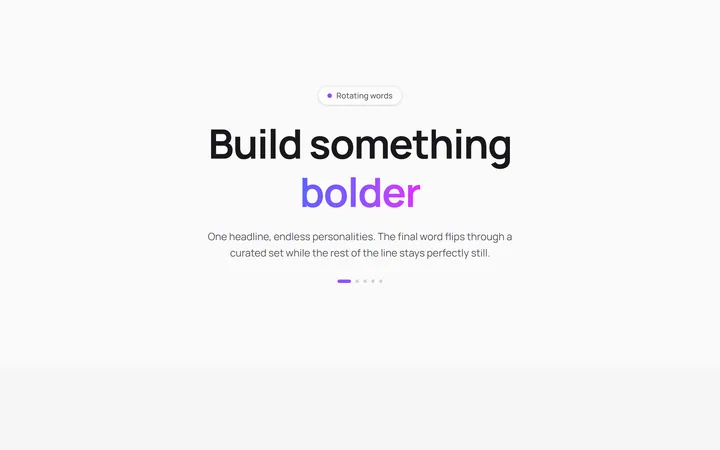
Rotating Words Headline
OriginalA headline whose final word flips through a curated set with a blurred vertical roll while the rest of the line stays perfectly still.
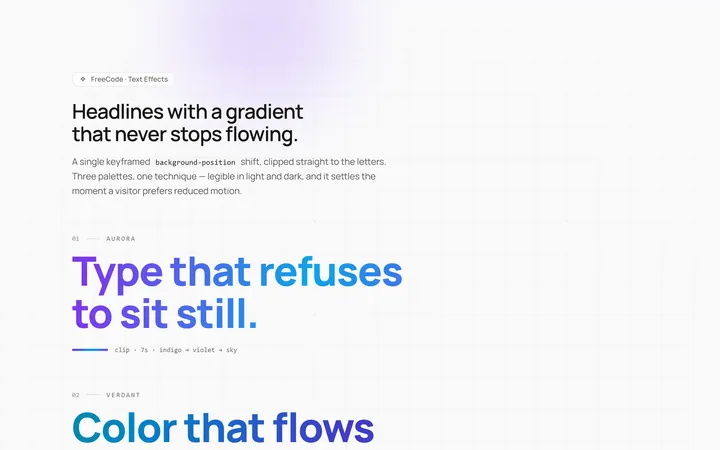
Gradient Animate Text Effect
Originalanimated gradient text

Shiny Text Effect
Originalshiny sweep text
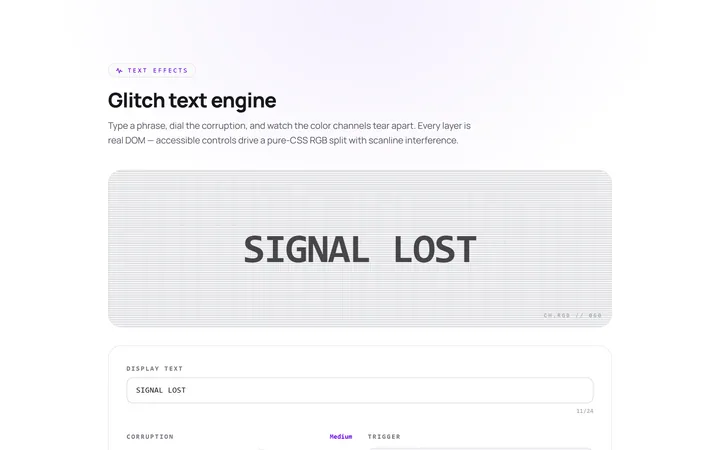
Glitch Text Effect
Originalglitch text effect
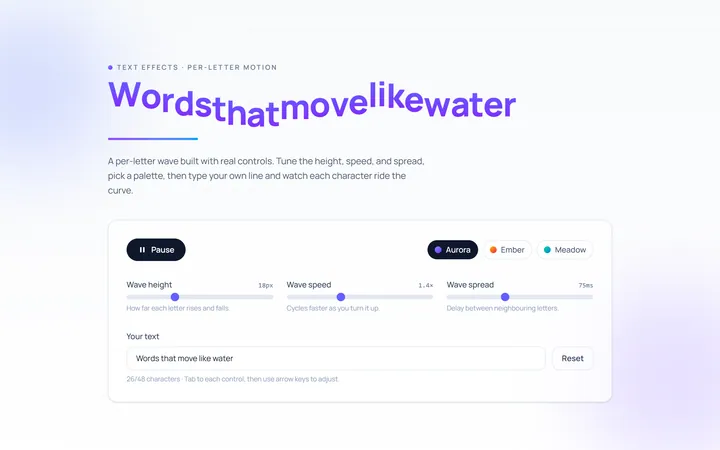
Wave Text Effect
Originalwavy letter animation
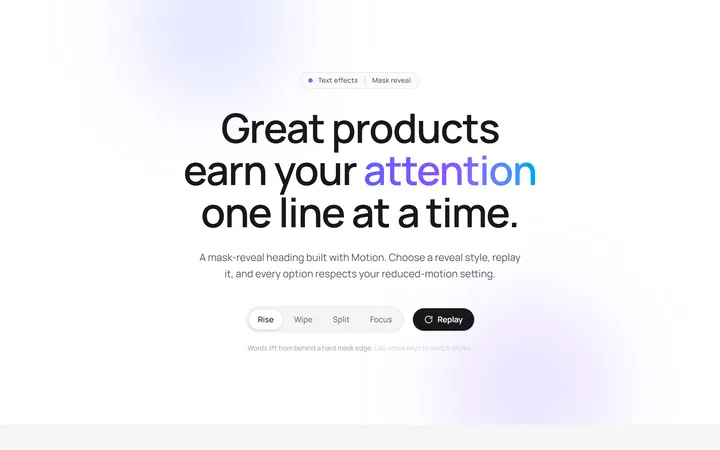
Reveal Mask Text Effect
Originalmask reveal heading
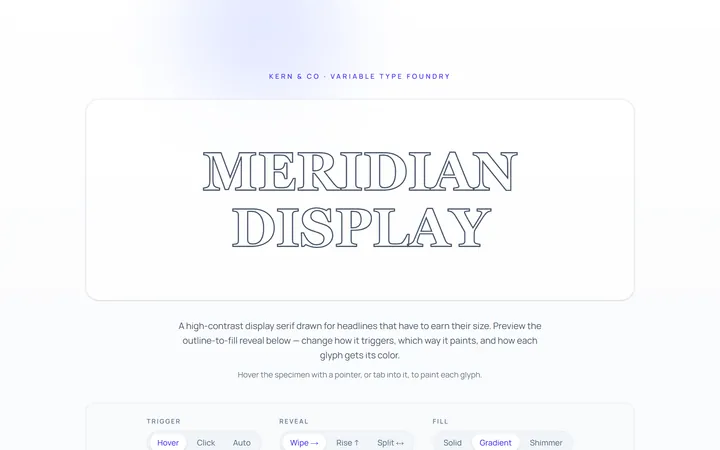
Outline Text Effect
Originaloutline-to-fill text
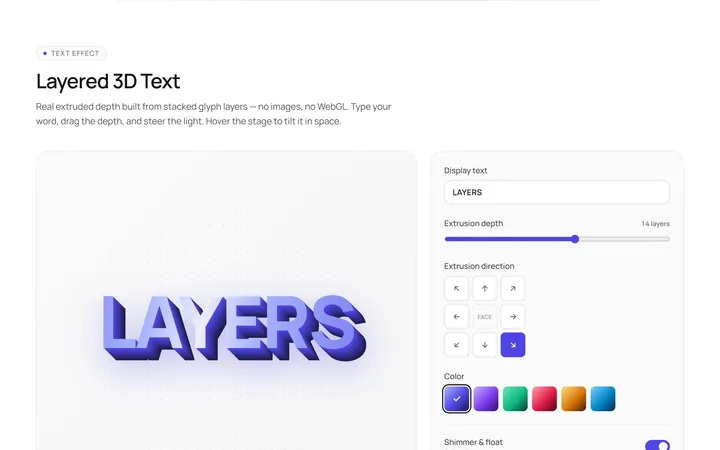
3D Text Effect
Originallayered 3D text
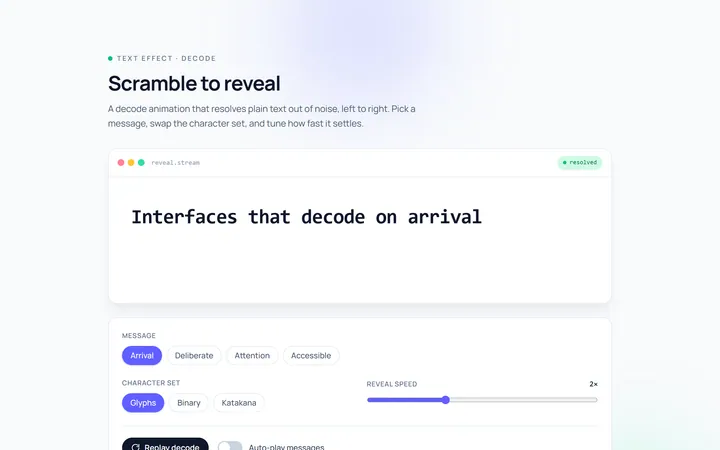
Scramble Text Effect
Originalscramble/decode text